
.jpg)
.png)
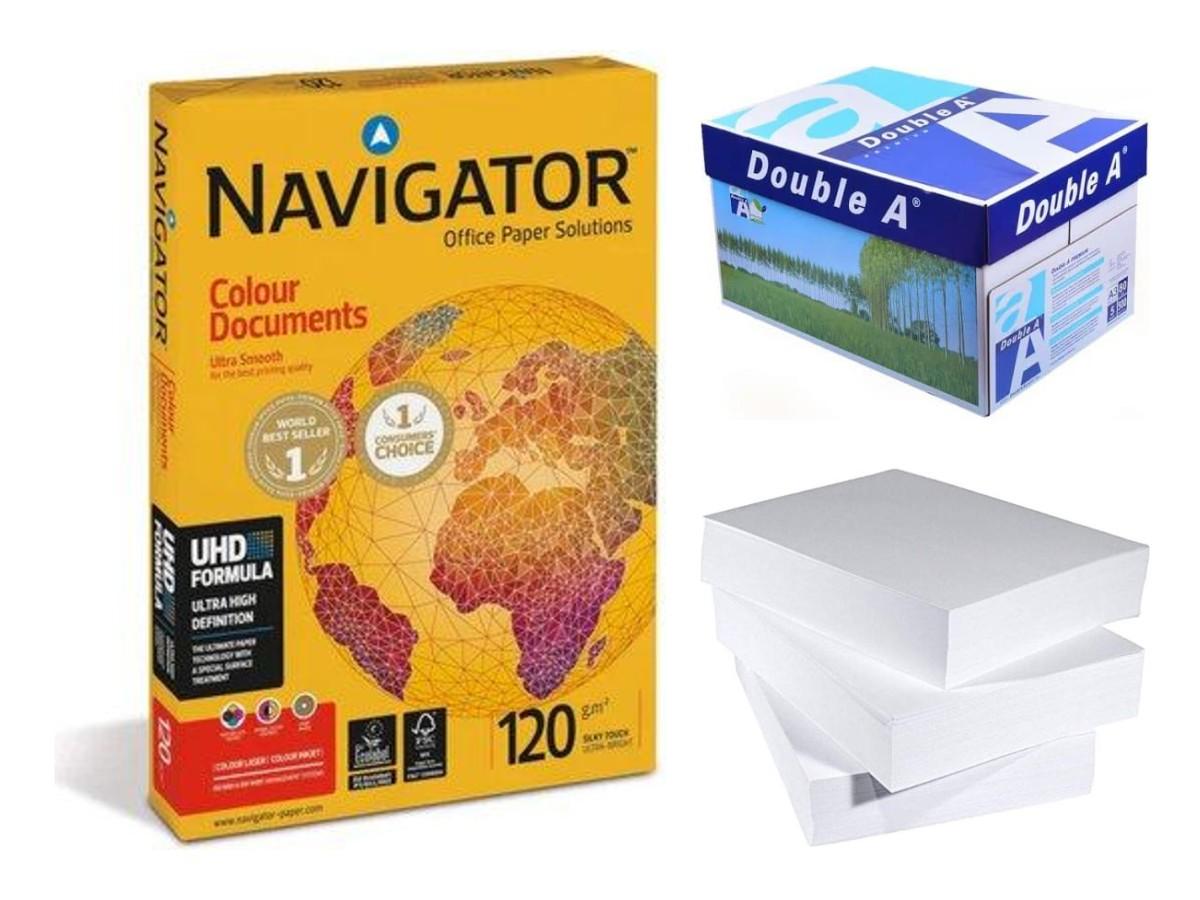
Best photo paper for home printers: glossy, matte and GSM
Printing photos at home or in the office in Qatar? Learn the difference between glossy and matte photo paper, what GSM means, and settings for sharp, bright prints.
Family photos, school projects, ID photos for forms, product pictures for a shop: many people in Qatar print photos at home or in the office. The paper you choose makes a big difference. Plain A4 paper makes photos look dull. Photo paper makes them bright and sharp.
Glossy or matte?
- Glossy photo paper is shiny. Colours look strong and bright. Good for family photos, frames and displays. It can show fingerprints and reflect light.
- Matte paper has no shine. It looks soft and is easy to read under bright office lights. Good for reports with pictures, certificates and art prints.
Some papers are printable on both sides. These are useful for brochures, menus and small booklets printed in the office.
What does GSM mean?
GSM is the weight of the paper. A higher number means thicker paper. Normal office paper is 80 GSM. Photo paper is much thicker, so photos feel strong and do not curl easily. For more about paper weight, read our A4 paper GSM guide.
Inkjet paper for inkjet printers only
Most photo paper is made for inkjet and ink tank printers. Do not put inkjet photo paper in a laser printer. The heat inside a laser printer can damage the paper coating and the printer. If you only have a laser printer, ask us before you buy.
Some small photo printers use their own special paper and ink sets. For example, Canon KP sets are made for Canon SELPHY photo printers. If your printer uses a set like this, match the number on your old pack.
Get the best print
- Load the right side. Print on the shiny or coated side. The back is often marked with a logo.
- Choose the paper type in settings. In the print window, set the paper to "Photo paper" or "Glossy". This tells the printer how much ink to use.
- Choose high quality. Set print quality to "High" or "Best".
- Use a good image. Photos sent on WhatsApp are often made smaller. Use the original photo from the phone if you can.
- Let it dry. Do not touch or stack photos for a few minutes after printing.
Keep your paper fresh
- Keep photo paper in its packet until you need it.
- Store it flat, away from sun and humidity.
- Load only a few sheets at a time.
Which printer for photos?
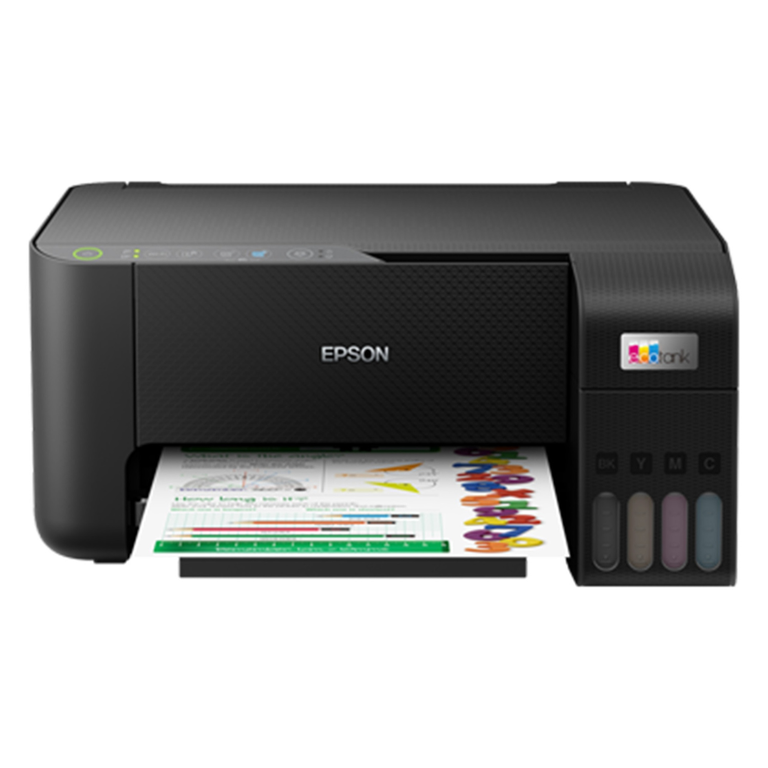
Ink tank printers are a good choice for photos at home because colour ink costs less. Some models are made especially for photos. Read how to refill an ink tank printer and laser or ink tank printer.
Order photo paper in Qatar
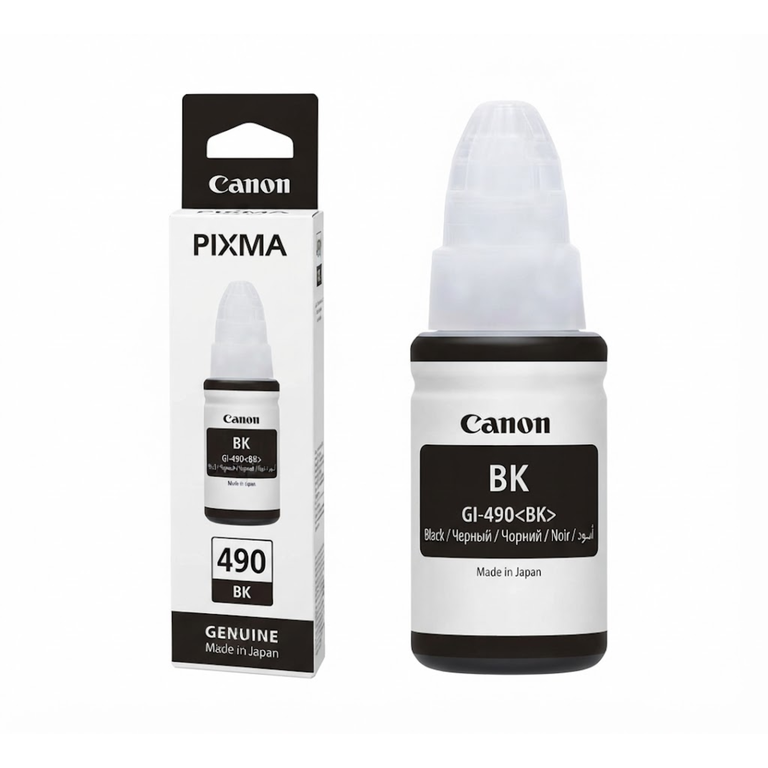
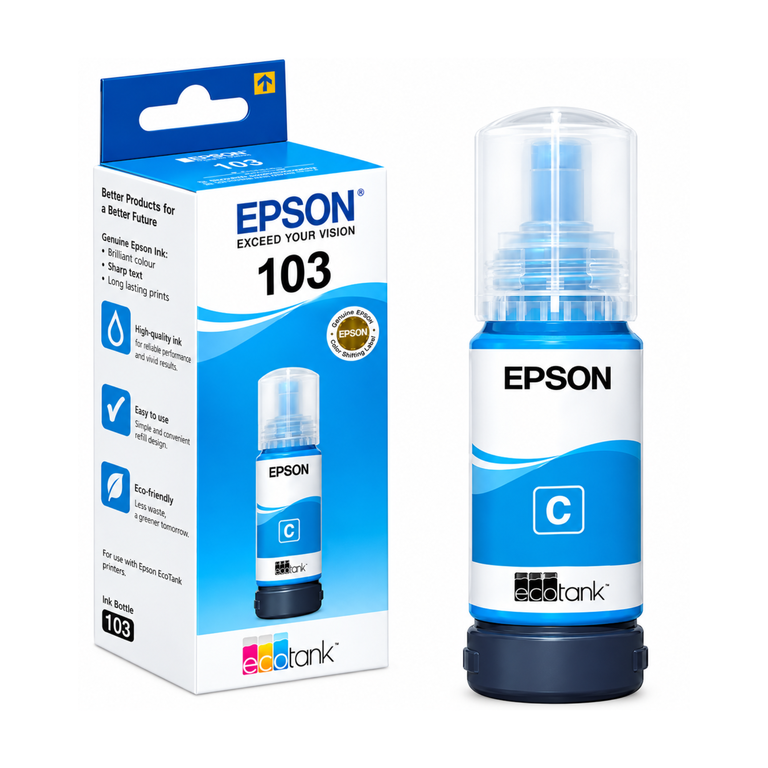
See our photo paper and glossy paper, plus Epson ink bottles and Canon ink bottles. You can also browse Epson printers and Canon printers.
Ask us on WhatsApp with your printer model. Raifa Centre is in Doha, delivers across Qatar and accepts cash on delivery.
Shop what this guide talks about
Live from our shop in Doha. Prices are the same as on the product pages.
Photo paper
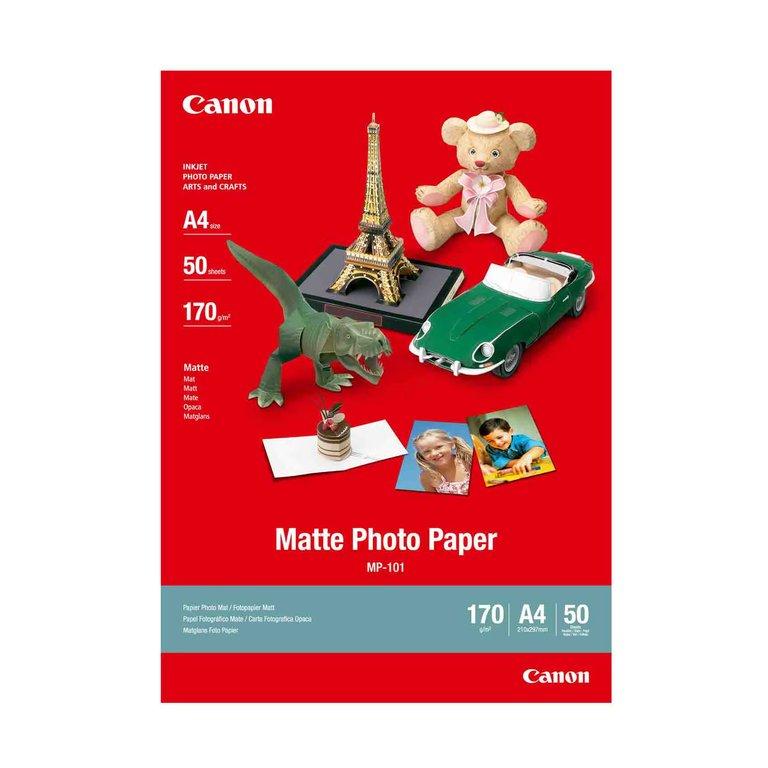
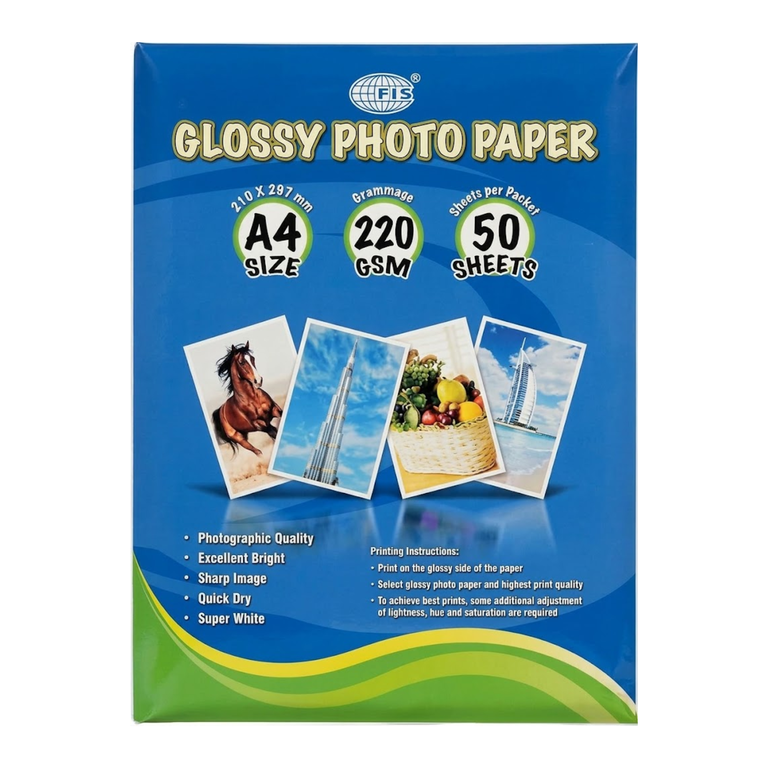
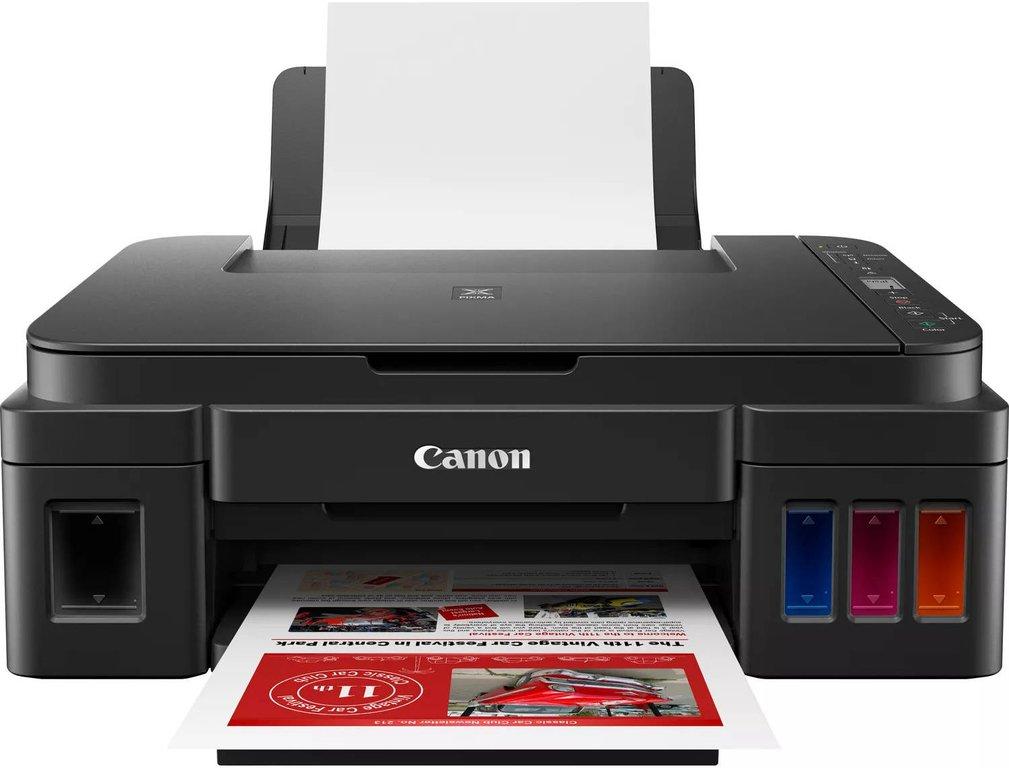
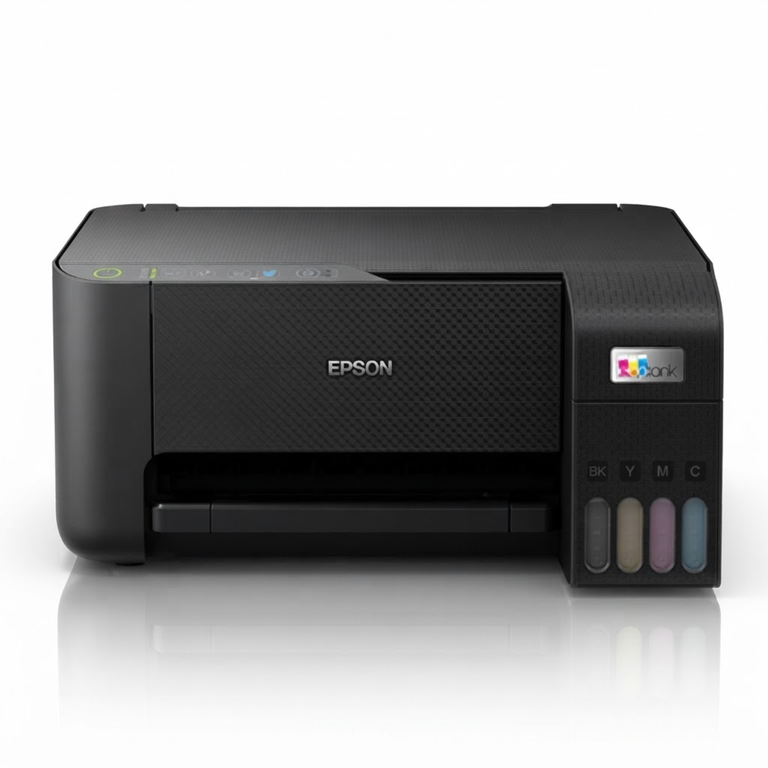
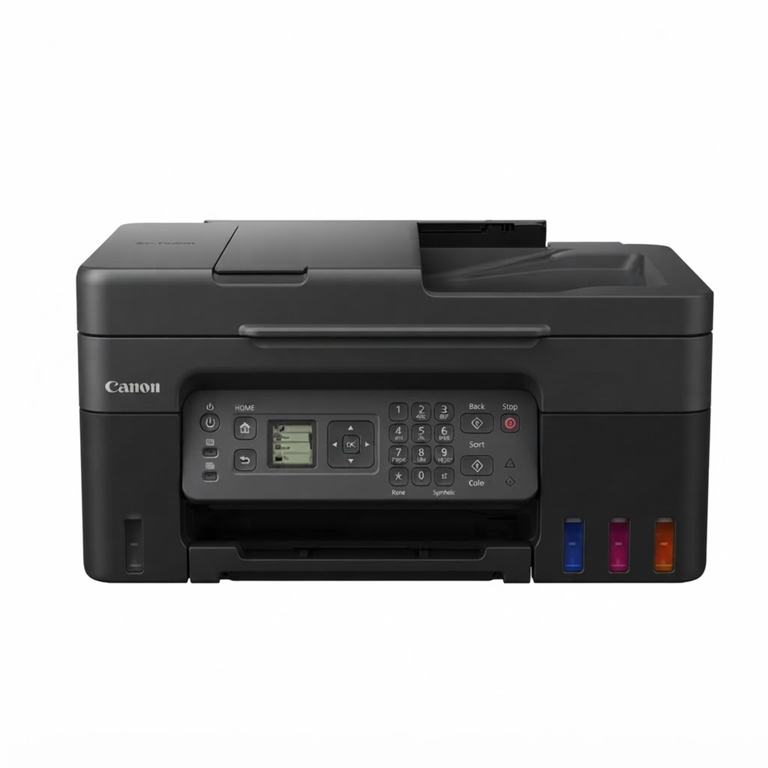
Photo and ink tank printers
.png)
.png)
More guides
How to refill an ink tank printer without mess or clogs
Simple steps to refill an Epson EcoTank, Canon G series or Brother ink tank printer at home or in the office, plus tips to stop clogged heads and faded colours.
Photocopier toner in Qatar: Canon C-EXV, Ricoh, Kyocera, Sharp
How to find the right toner for an office photocopier: Canon C-EXV, Ricoh, Kyocera TK, Sharp and more, plus waste toner boxes and tips for changing it.
Toner or drum? What to replace in your Brother laser printer
Your printer says Replace Drum, or prints black lines and grey pages. Here is the difference between toner and drum, and how to know which one to buy.