
.jpg)
.png)

How to refill an ink tank printer without mess or clogs
Simple steps to refill an Epson EcoTank, Canon G series or Brother ink tank printer at home or in the office, plus tips to stop clogged heads and faded colours.
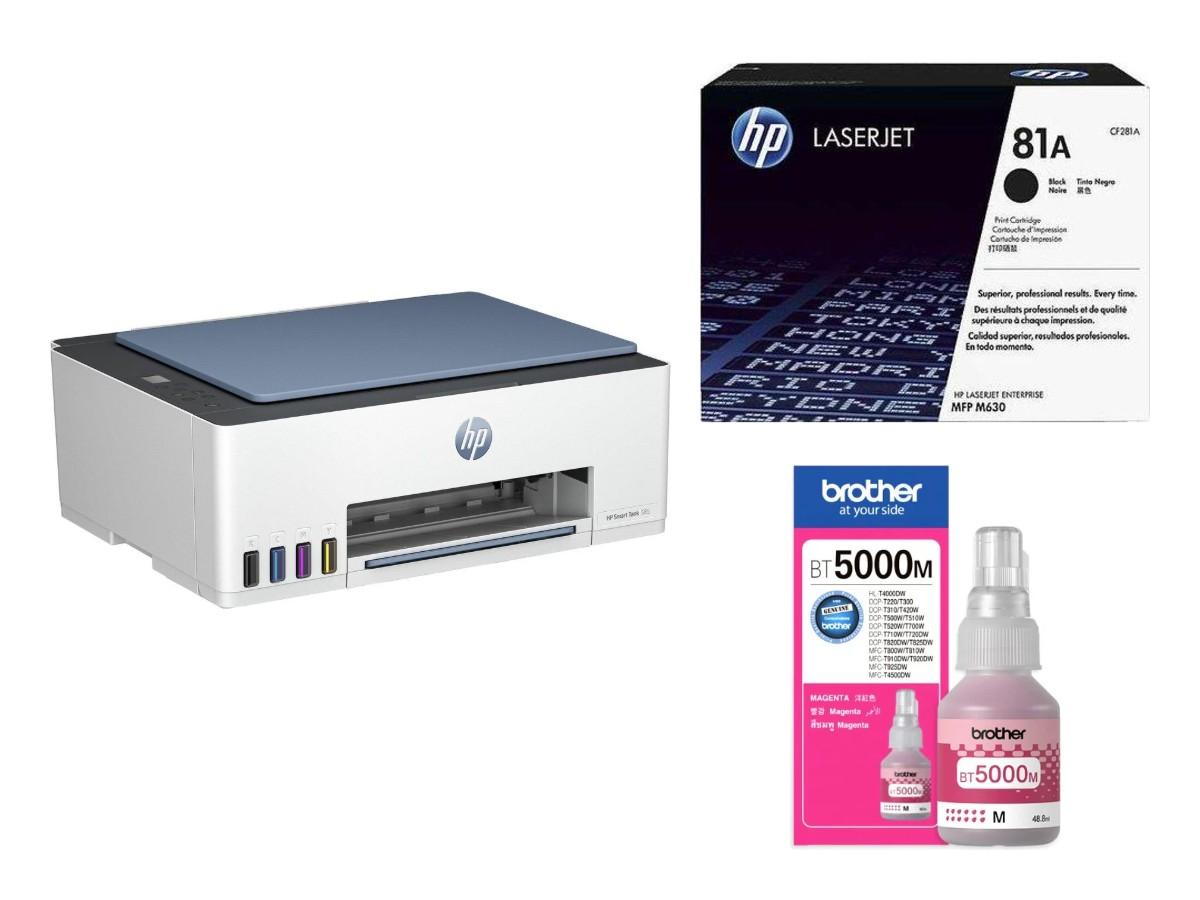
Ink tank printers are very popular in Qatar homes, schools and small offices. Instead of small cartridges, they have big tanks that you fill from bottles. They are cheap to run, but only if you fill them the right way. Here is how.
Step 1: Find the right ink bottle
Each printer takes its own ink. Epson, Canon and Brother bottles are not the same, and even inside one brand there are different numbers.
- Look at the number on your old bottle, or on the sticker near the tanks.
- Check the printer manual or the box.
- Order the same number for every colour: black, cyan, magenta and yellow.
Using the wrong ink can block the print head, and that is an expensive repair. When in doubt, send us the printer model first.
Step 2: Fill one colour at a time
- Switch the printer on and place it on a flat table.
- Open the tank cover and the cap of one colour only.
- Remove the bottle cap and seal, then hold the bottle straight on the tank.
- Let the ink flow in. Many newer bottles stop by themselves when the tank is full.
- Close the tank cap firmly before you open the next colour.
Many newer bottles only fit the tank of their own colour. If a bottle does not go in easily, check that you have the right colour. Never force it.
Step 3: Do not overfill
Look at the upper line on each tank. Stop at that line. Too much ink can leak inside the printer. Close the bottle tightly and keep the rest for next time, standing up, out of the sun.
How to stop clogs
The most common problem with ink tank printers is a dry print head. Ink dries when the printer is not used for weeks. To avoid this:
- Print one colour page every week, even a simple test page.
- Keep the printer covered and away from dust and AC vents.
- Refill before the ink goes below the lower line, so air does not enter the tubes.
- If lines or colours are missing, run the head cleaning from the printer menu once or twice, then print a nozzle check.
If cleaning does not help after a few tries, stop and let the printer rest for some hours, then try again. Running cleaning again and again uses a lot of ink.
Moving the printer
Do not tip or turn an ink tank printer on its side once it has ink inside. If you need to move it to another room or office, keep it flat and close all tank caps first.
Is an ink tank right for you?
Ink tank printers are great for colour pages, school projects and photos. For an office that prints many black pages every day, a laser printer may suit you better. Read laser or ink tank printer to compare, and ink cartridge numbers explained if your printer uses cartridges.
Order ink bottles in Doha
Browse Epson ink bottles, Canon ink bottles and Brother ink. Looking for a new printer? See Epson printers and Canon printers, or everything under printers and toners.
Send your printer model on WhatsApp and we will find the right ink. Raifa Centre delivers across Qatar and accepts cash on delivery.
Shop what this guide talks about
Live from our shop in Doha. Prices are the same as on the product pages.
Epson ink bottles
See all 11 in the shop.png)
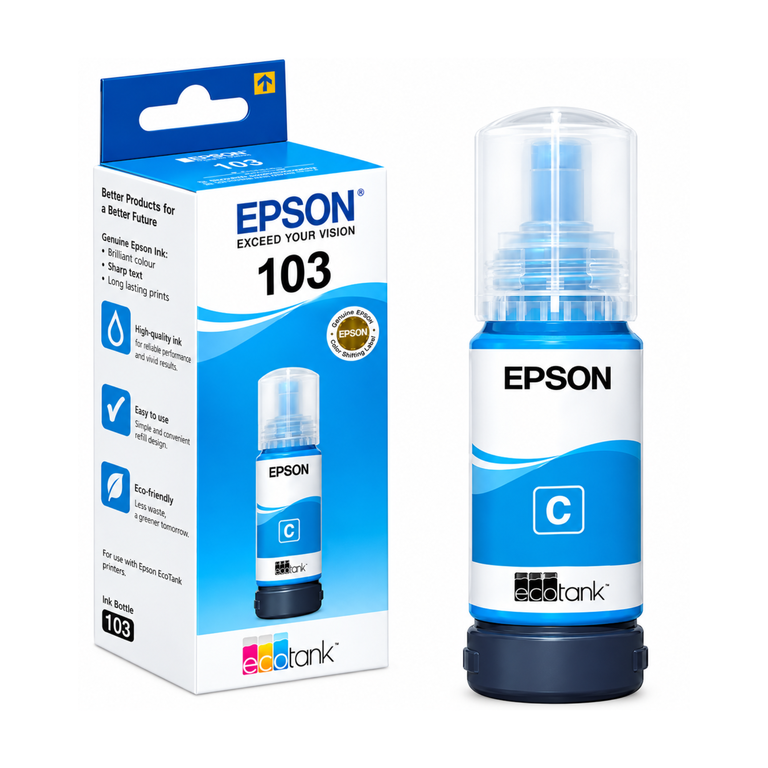
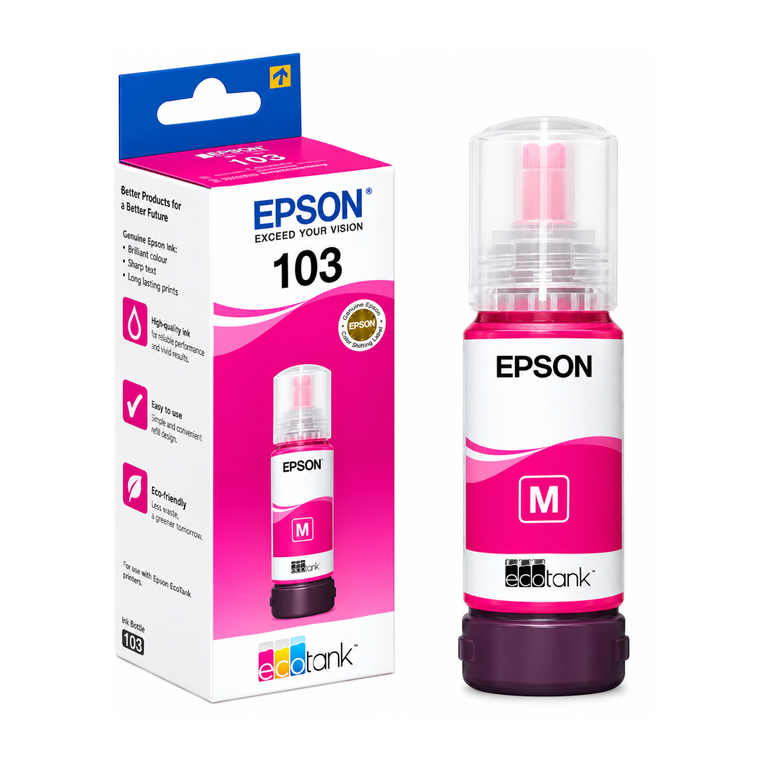
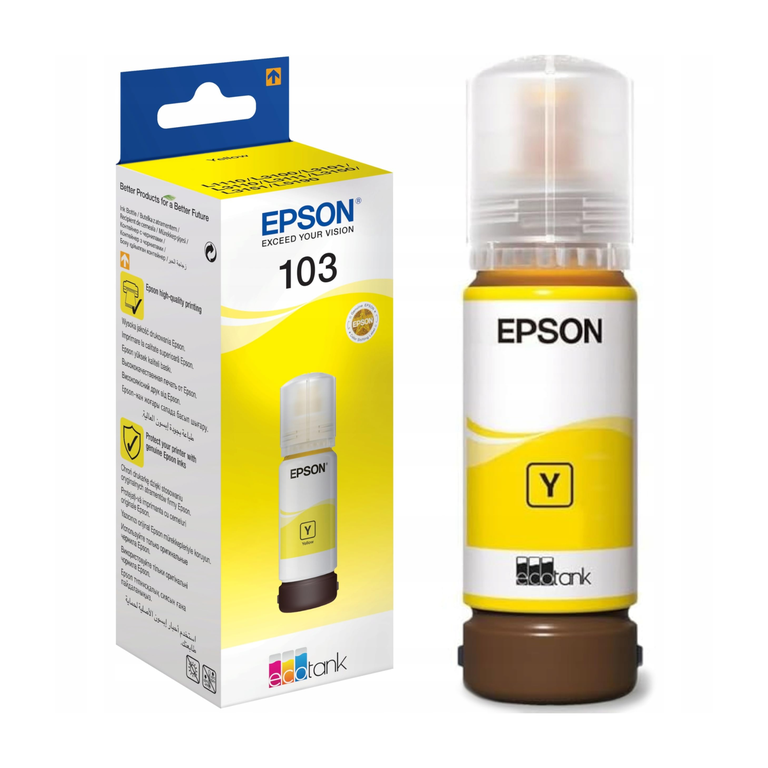
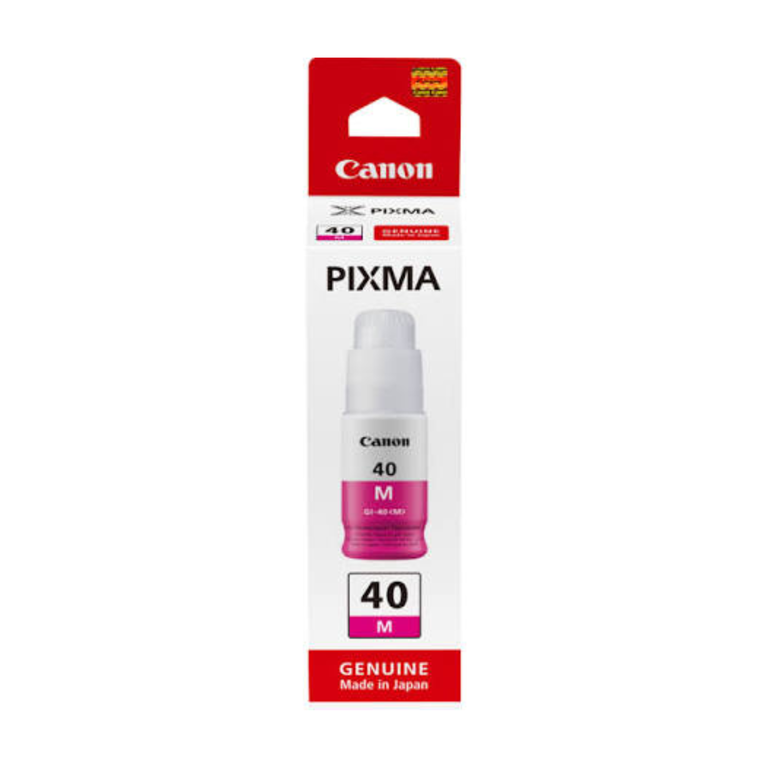
Canon ink bottles
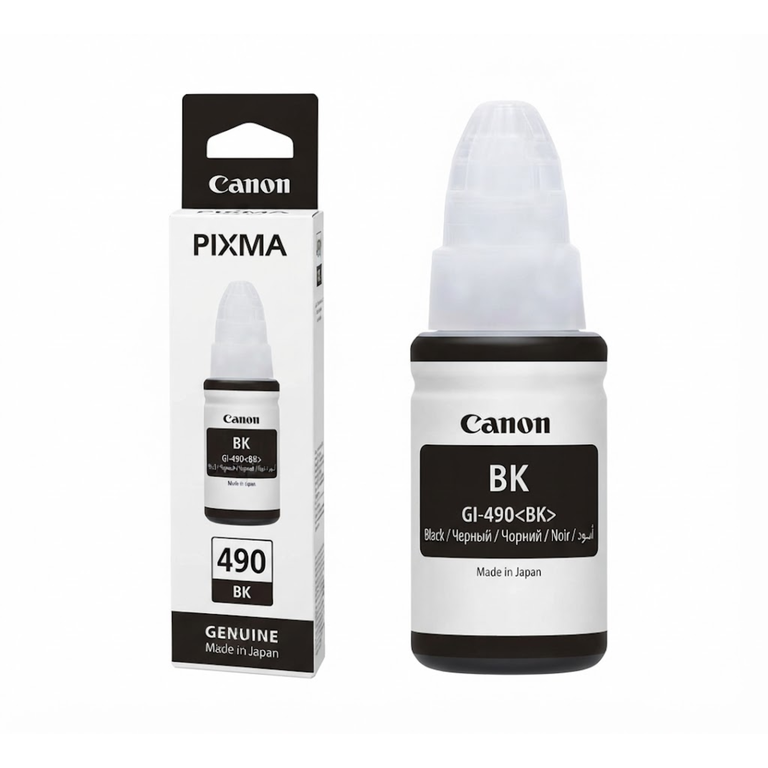
.png)
.png)
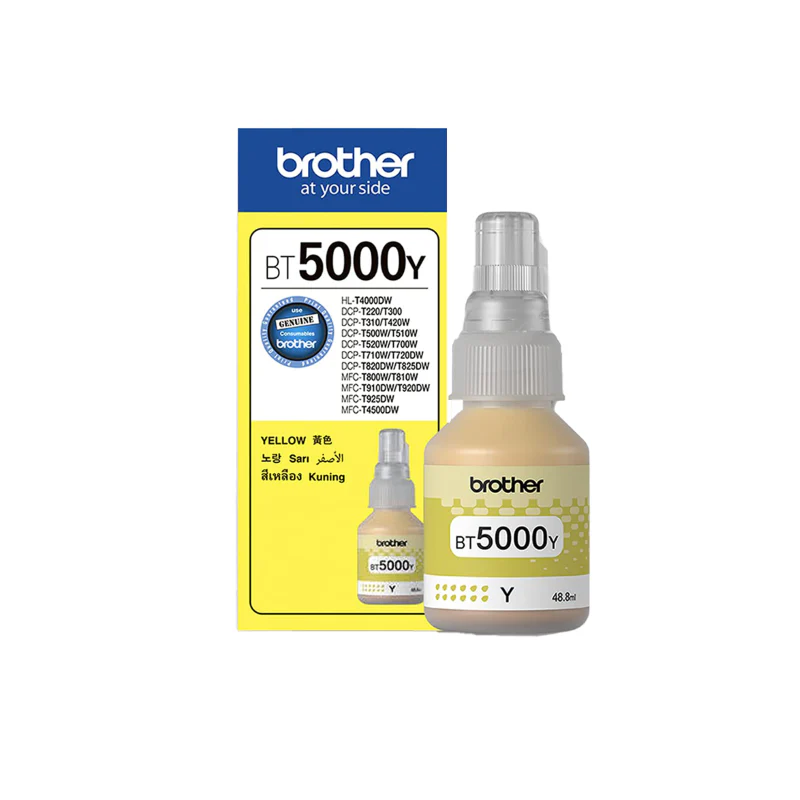
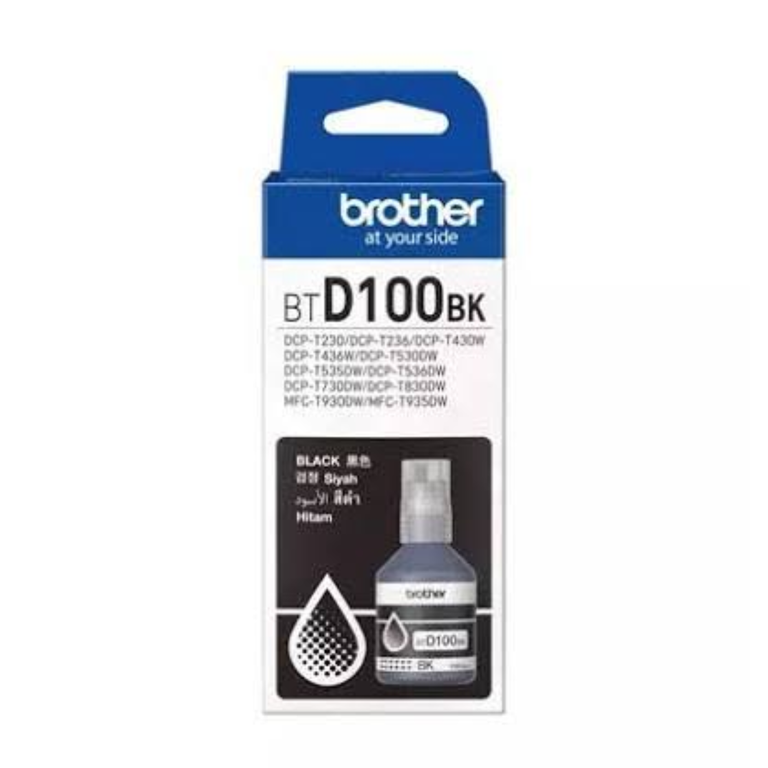
Brother ink
See all 28 in the shop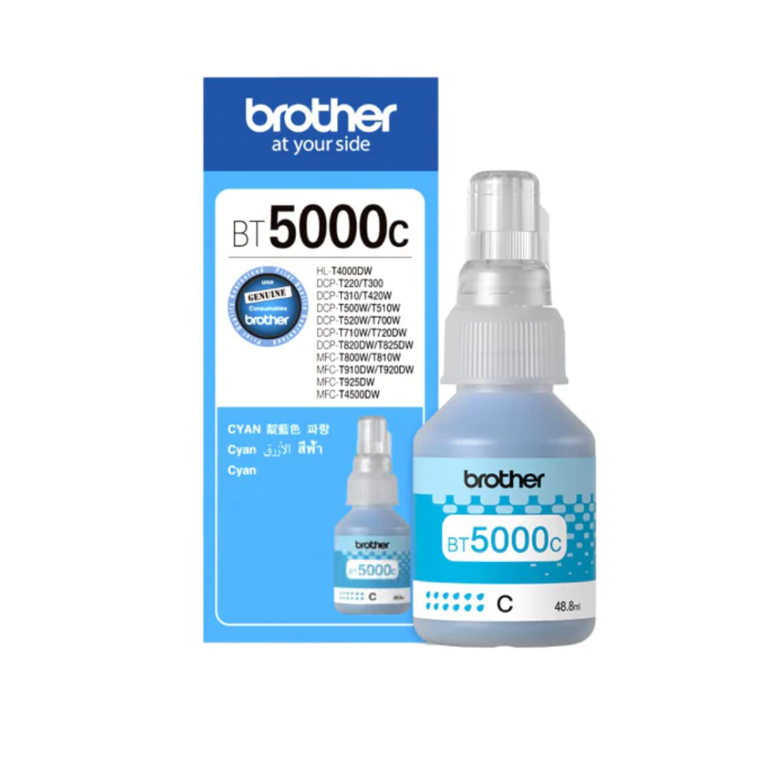
.png)
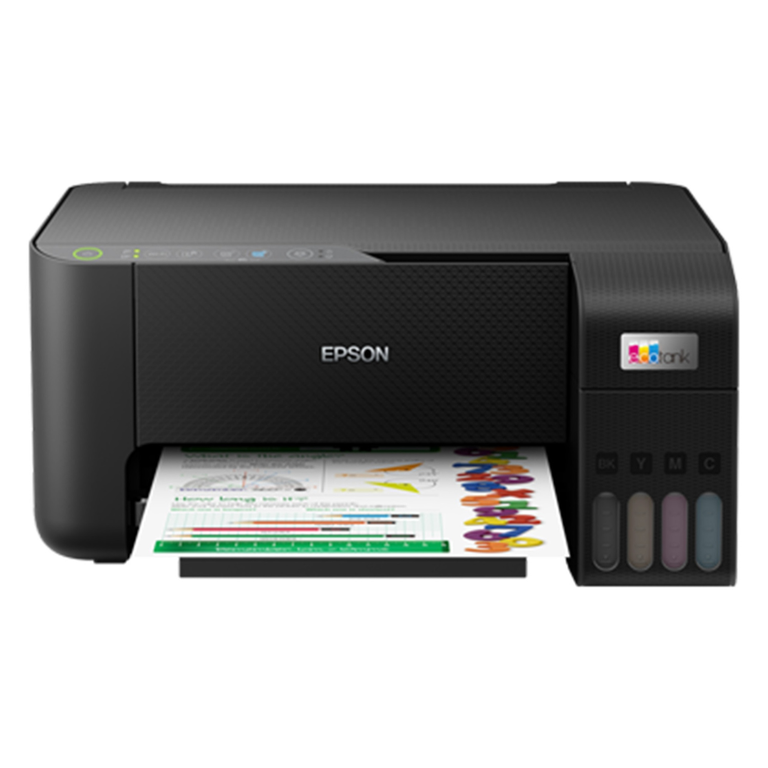
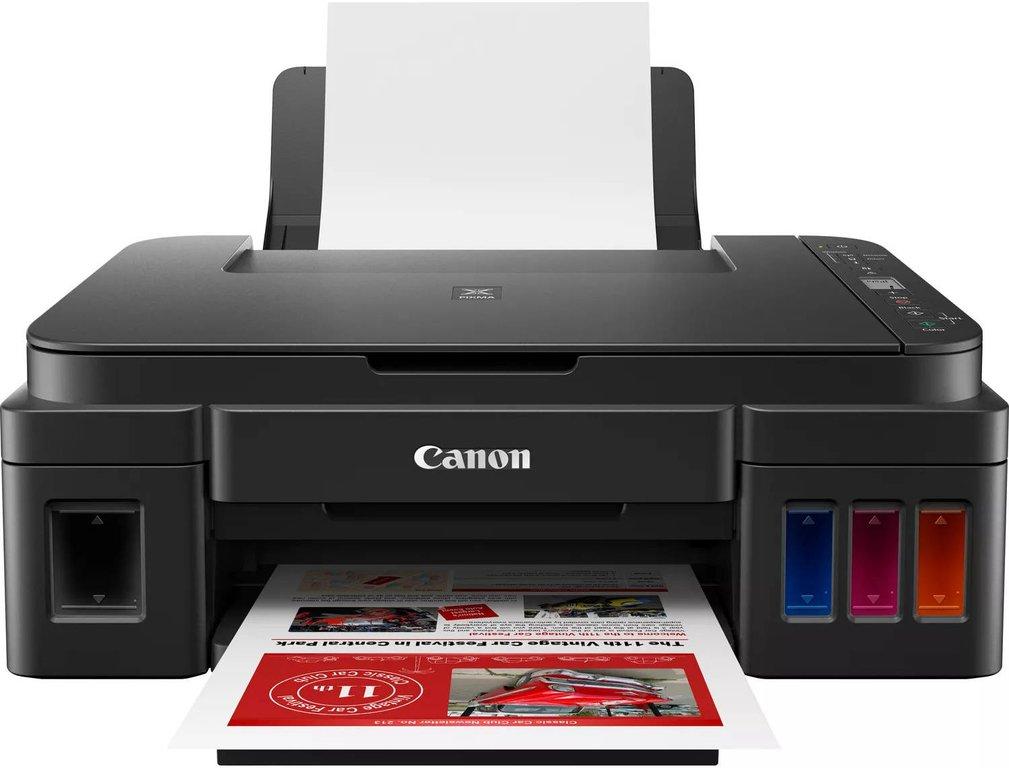
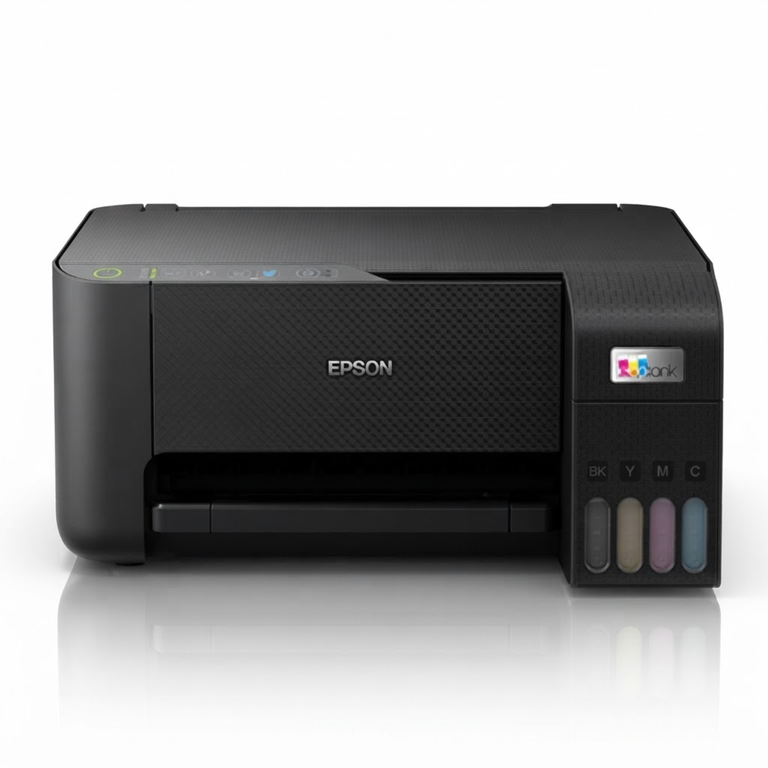
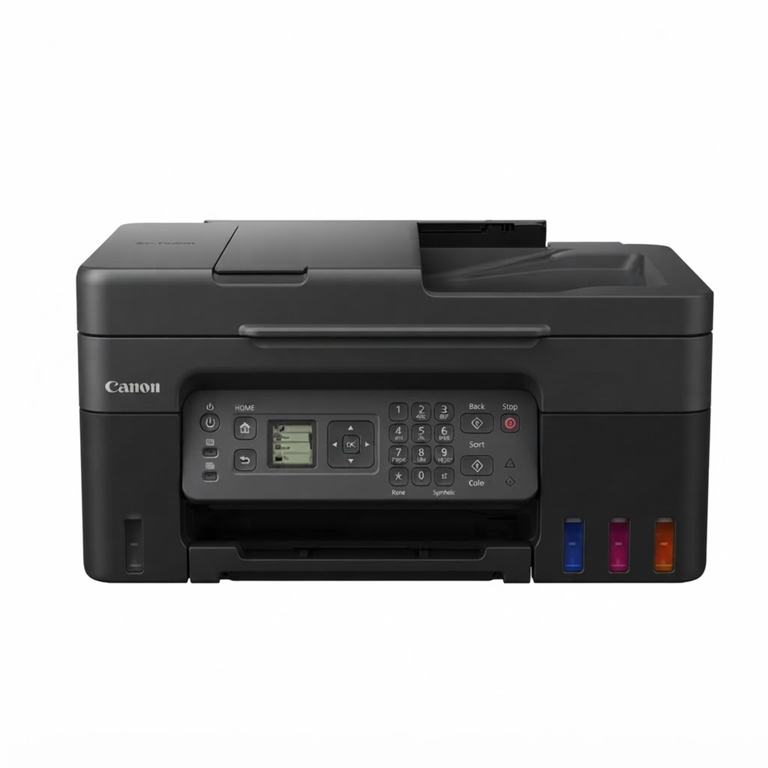
More guides
Best photo paper for home printers: glossy, matte and GSM
Printing photos at home or in the office in Qatar? Learn the difference between glossy and matte photo paper, what GSM means, and settings for sharp, bright prints.
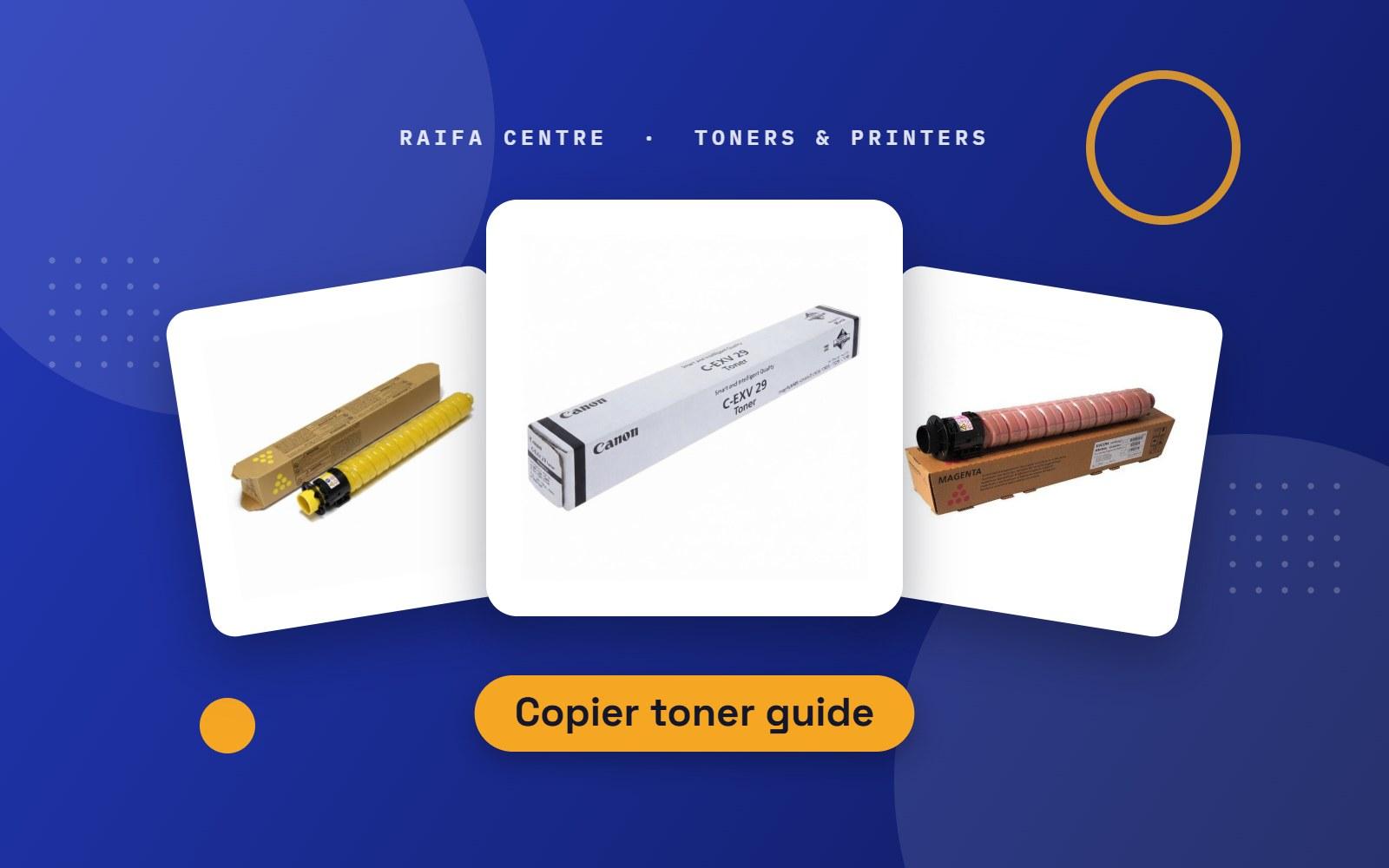
Photocopier toner in Qatar: Canon C-EXV, Ricoh, Kyocera, Sharp
How to find the right toner for an office photocopier: Canon C-EXV, Ricoh, Kyocera TK, Sharp and more, plus waste toner boxes and tips for changing it.
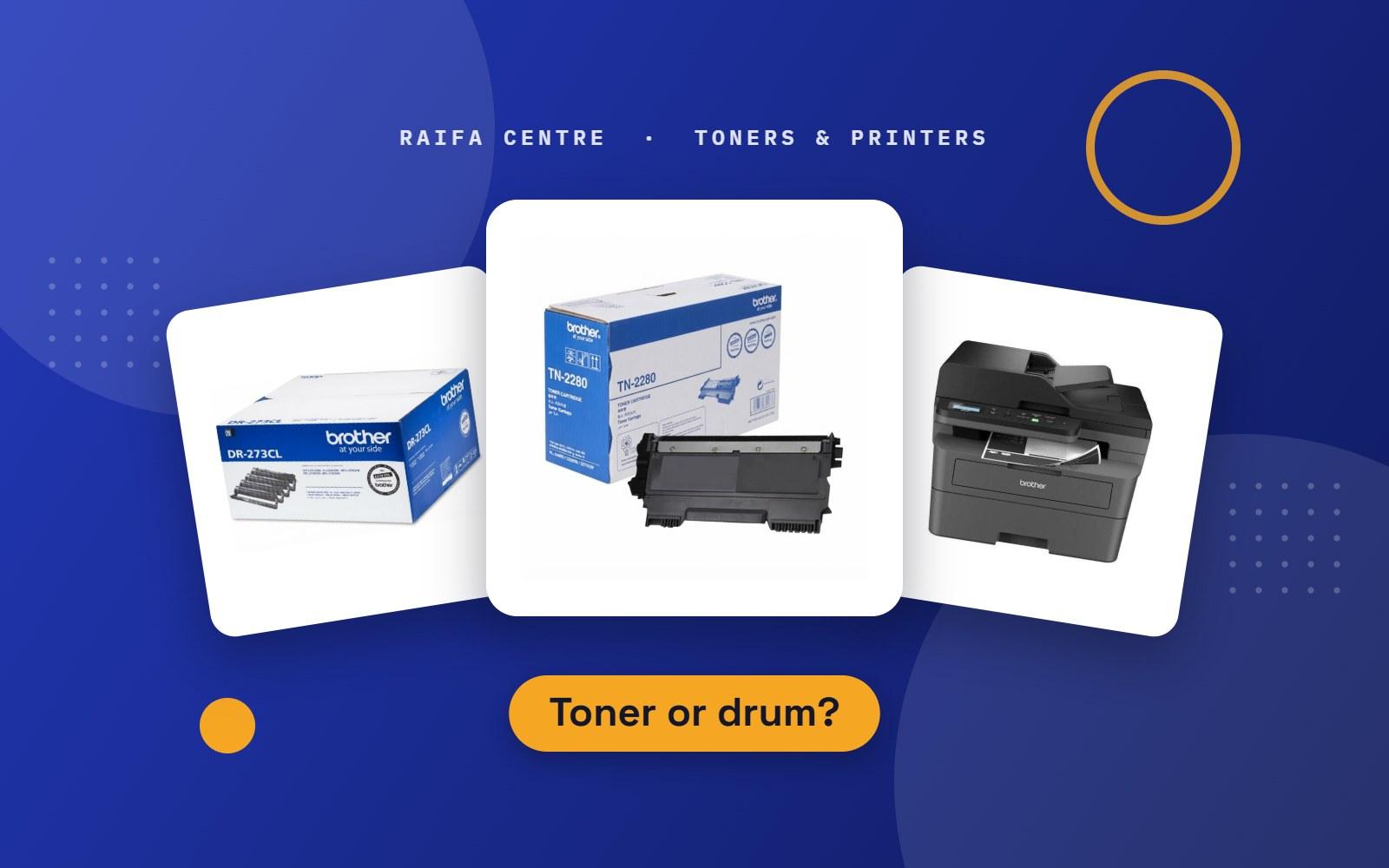
Toner or drum? What to replace in your Brother laser printer
Your printer says Replace Drum, or prints black lines and grey pages. Here is the difference between toner and drum, and how to know which one to buy.