
.jpg)


Printer paper jam? How to clear it and stop it happening
Paper keeps jamming in your printer? Learn how to clear a paper jam safely and the simple habits that stop jams in offices and homes in Qatar.
A paper jam always seems to happen when you are in a hurry. The good news: most jams are easy to clear, and most can be stopped with a few simple habits. Here is what to do.
How to clear a paper jam safely
- Turn the printer off and unplug it. Wait a few minutes. In a laser printer, the part that melts the toner onto the paper (the fuser) gets very hot.
- Open every door and tray the manual shows: the front cover, the back door and the paper tray.
- Pull the paper slowly with both hands, in the same direction the paper normally moves. Do not pull it backwards and do not jerk it.
- Look for small pieces. If the paper tears, use a torch to find the rest. A tiny piece left inside will cause the next jam.
- Do not use sharp tools like scissors or knives inside the printer. You can damage the rollers.
- Close everything, plug in and turn on. Print one test page.
Many printers show a picture on the screen of where the paper is stuck. Check the screen or your printer manual first.
Why does paper keep jamming?
1. Damp or curled paper
Paper takes in moisture from the air. In Qatar, a store room without AC can be humid, and then the paper curls. Keep reams in their wrapper until you need them, and store them flat in a cool, dry place.
2. Too much paper in the tray
Every tray has a line that shows the maximum. Fill below that line.
3. Paper guides not set
Slide the side guides so they just touch the paper. Too loose and the paper goes in crooked. Too tight and it bends.
4. Wrong paper weight
Very thin or very thick paper can jam. Most office printers work best with normal 70 or 80 GSM paper. For thick card, use the manual or bypass tray if your printer has one. Our A4 paper guide explains GSM.
5. Old or mixed paper
Do not mix brands in one tray, and do not reuse paper with staples, folds or sticky notes on it.
6. Fan the stack
Before loading, hold the stack and flex it gently so the sheets do not stick together.
When it is not the paper
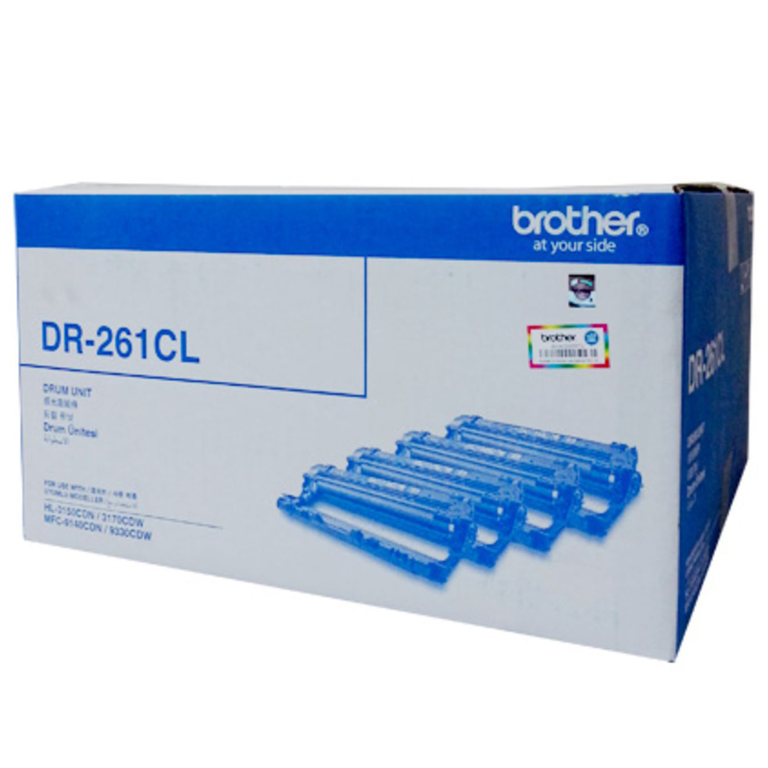
If jams keep happening with good, dry paper, the pickup rollers may be worn or dirty. Rollers wear out after many pages. In laser printers, an old toner or drum can also cause print problems. Read toner or drum: what to replace and our fixes for faded or streaky prints. If the printer is old and jams every day, it may be time for a new one.
Good habits for the office
- Keep a few spare reams of the same paper so you never have to use whatever is lying around.
- Close the reams after opening, so the paper stays dry.
- Show staff how to clear a jam properly, so nobody pulls hard and tears it.
Order paper, toner and printers
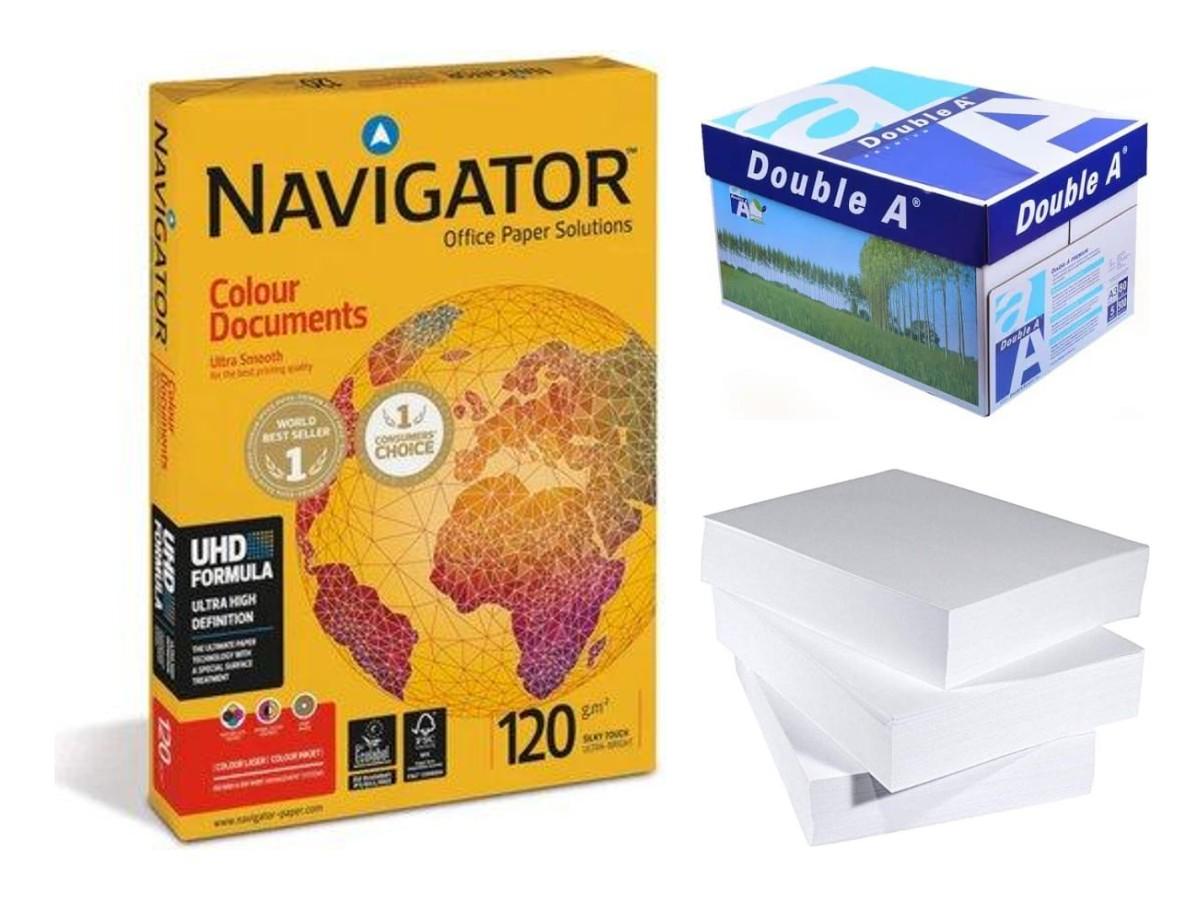
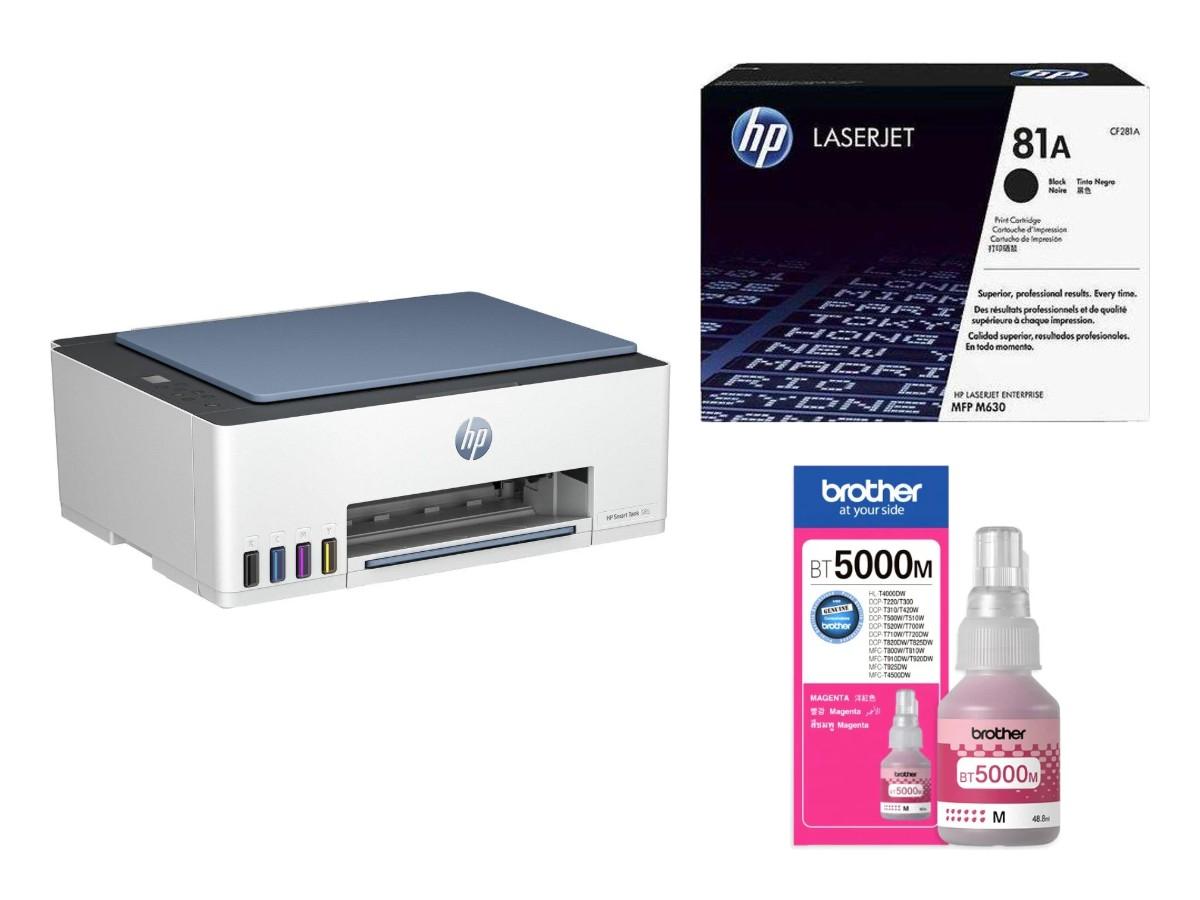
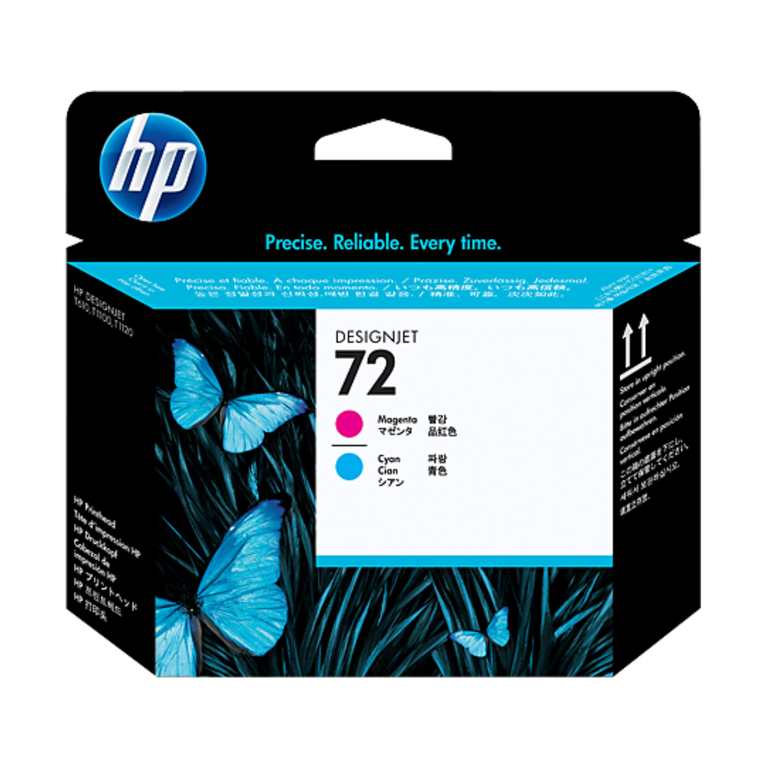
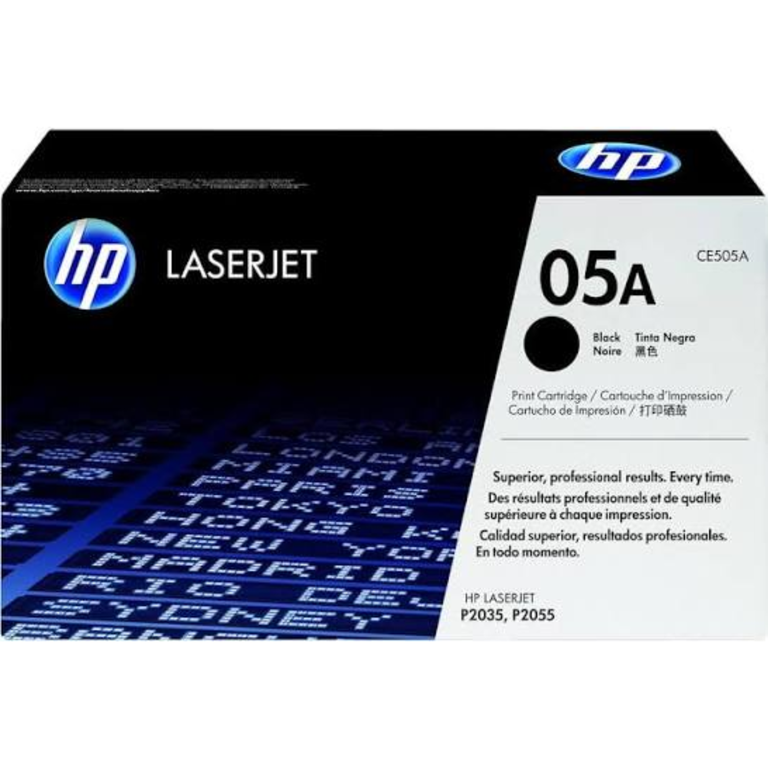
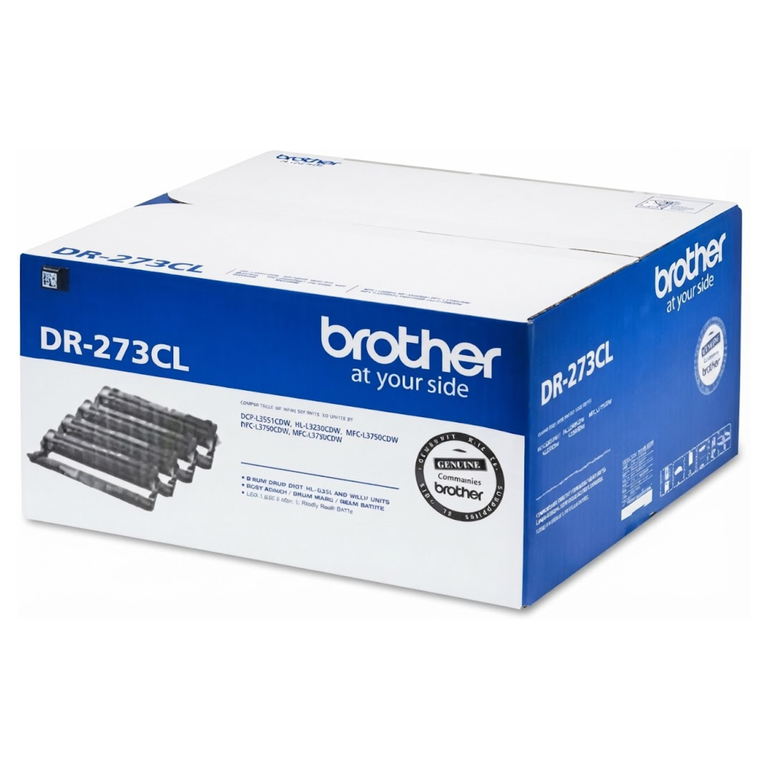
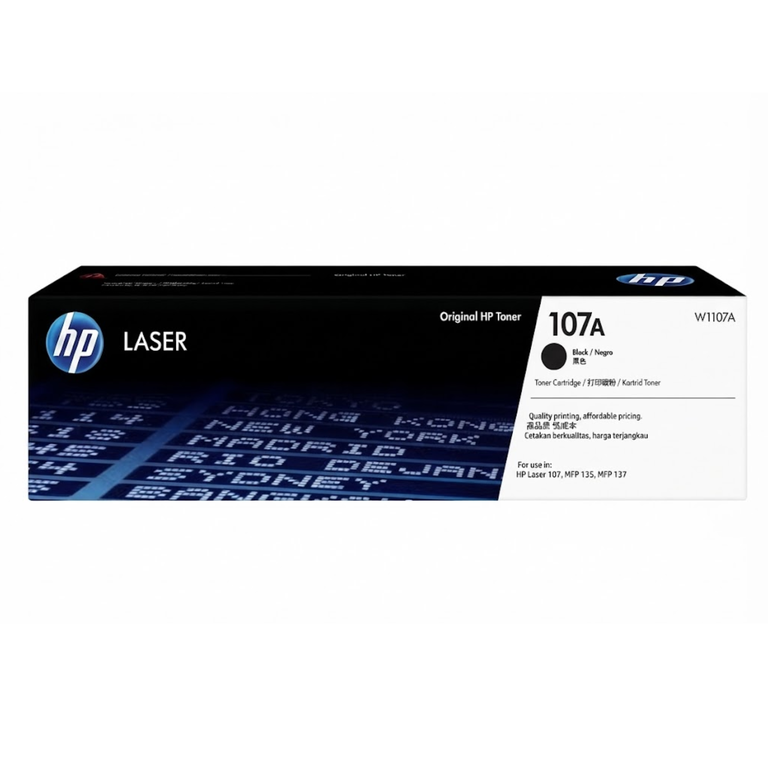
Browse A4 paper, printers, HP toners and drum units. When you buy toner, match the number on your old cartridge.
Need help? Send us your printer model on WhatsApp. Raifa Centre is in Doha with branches in Barwa Village and Matar Qadeem, delivers across Qatar and accepts cash on delivery.
Shop what this guide talks about
Live from our shop in Doha. Prices are the same as on the product pages.
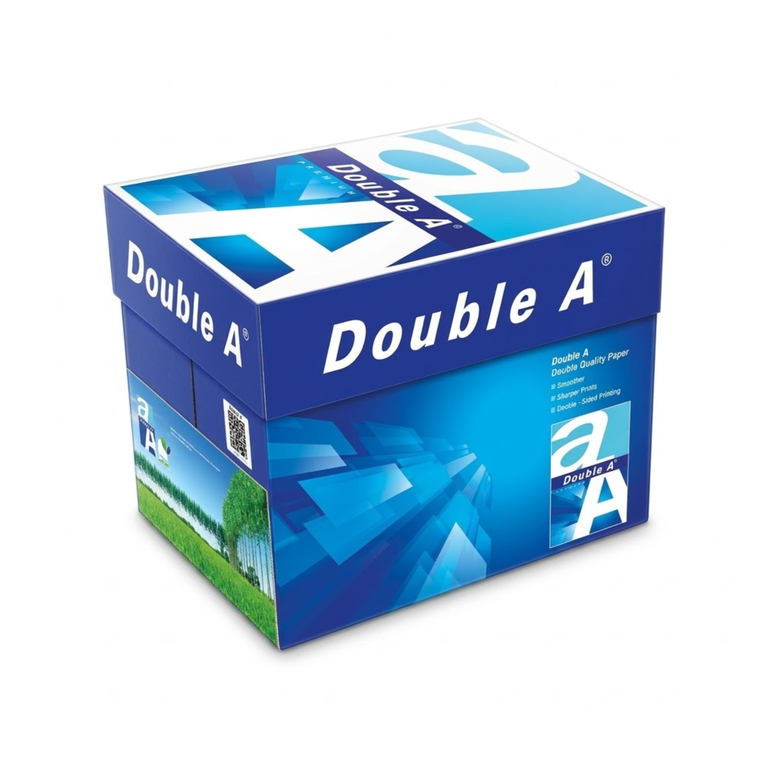
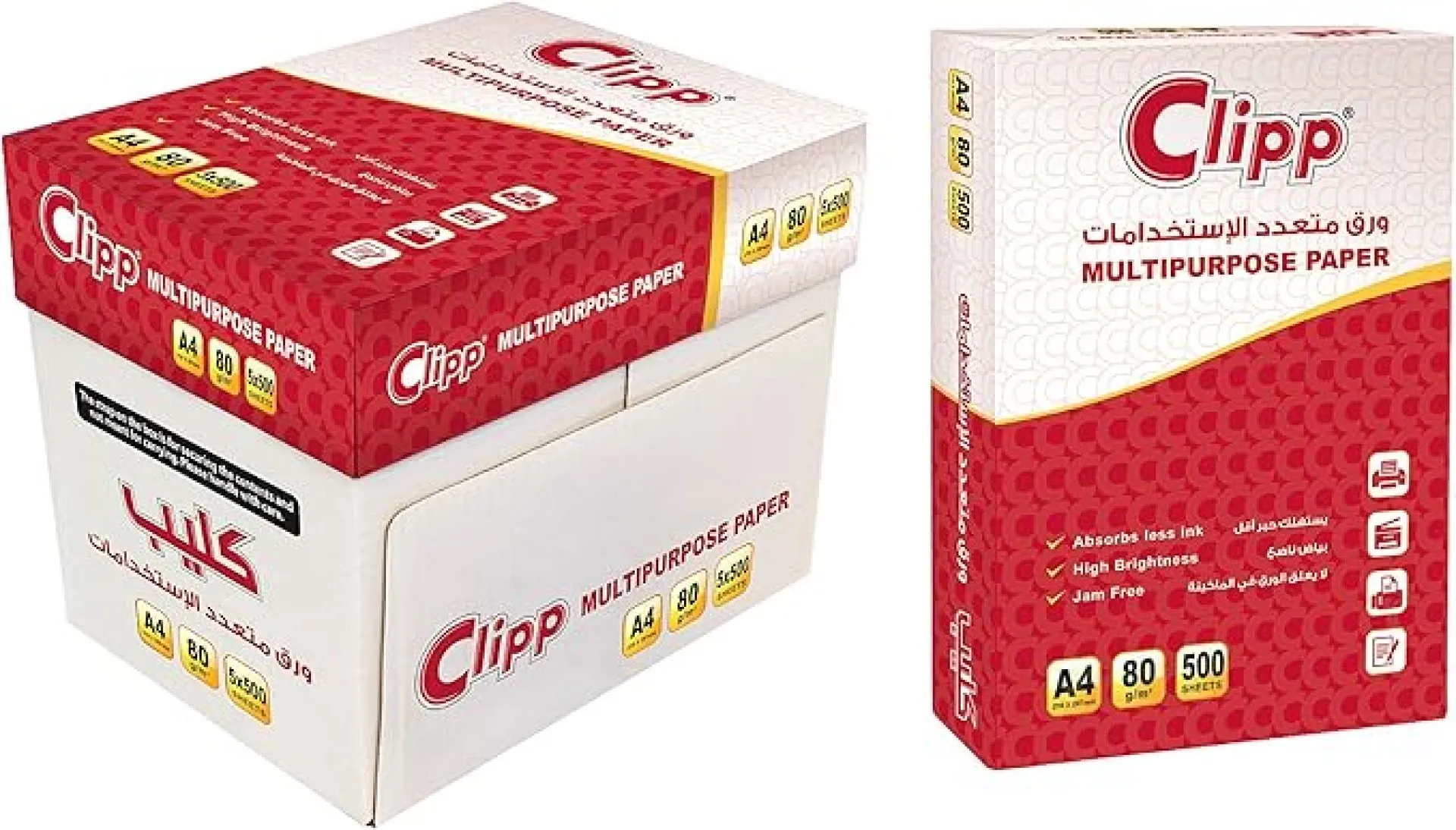
A4 printer paper
See all 47 in the shop.png)
.jpg)
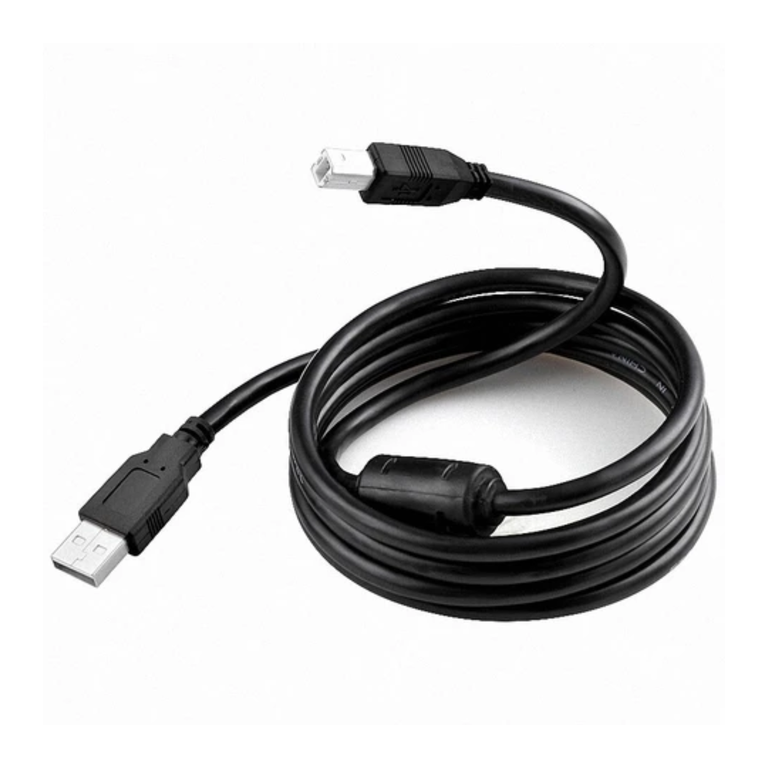
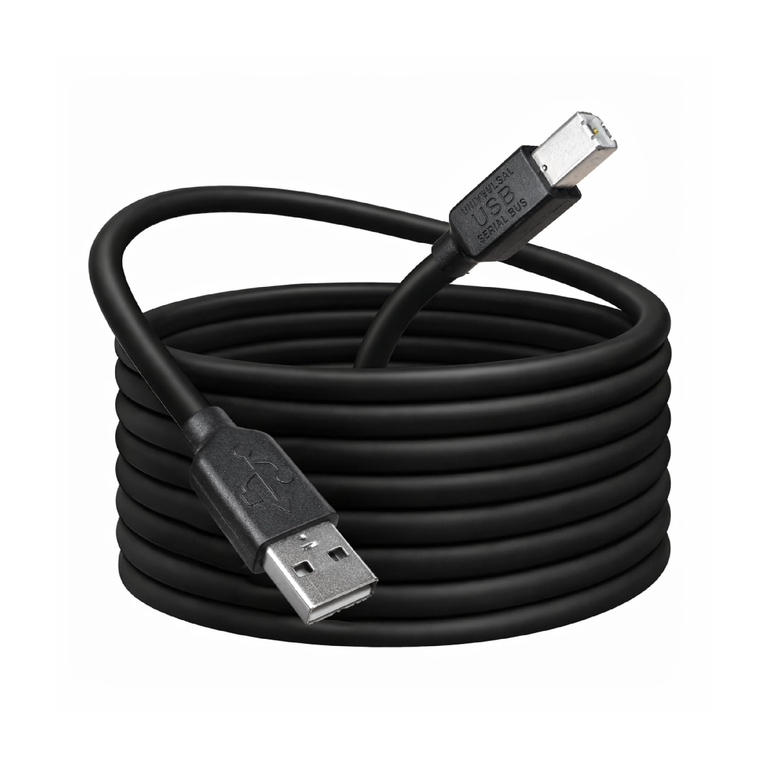
Printers
.png)
More guides
Best photo paper for home printers: glossy, matte and GSM
Printing photos at home or in the office in Qatar? Learn the difference between glossy and matte photo paper, what GSM means, and settings for sharp, bright prints.
How to refill an ink tank printer without mess or clogs
Simple steps to refill an Epson EcoTank, Canon G series or Brother ink tank printer at home or in the office, plus tips to stop clogged heads and faded colours.
Photocopier toner in Qatar: Canon C-EXV, Ricoh, Kyocera, Sharp
How to find the right toner for an office photocopier: Canon C-EXV, Ricoh, Kyocera TK, Sharp and more, plus waste toner boxes and tips for changing it.