
.jpg)



.png)
Dot matrix printer ribbons: Epson LQ, LX and OKI guide
Does your Epson LQ, LX or OKI dot matrix printer print faint? Learn how ribbons work, how to find the right one, and when to change it for clear invoices.
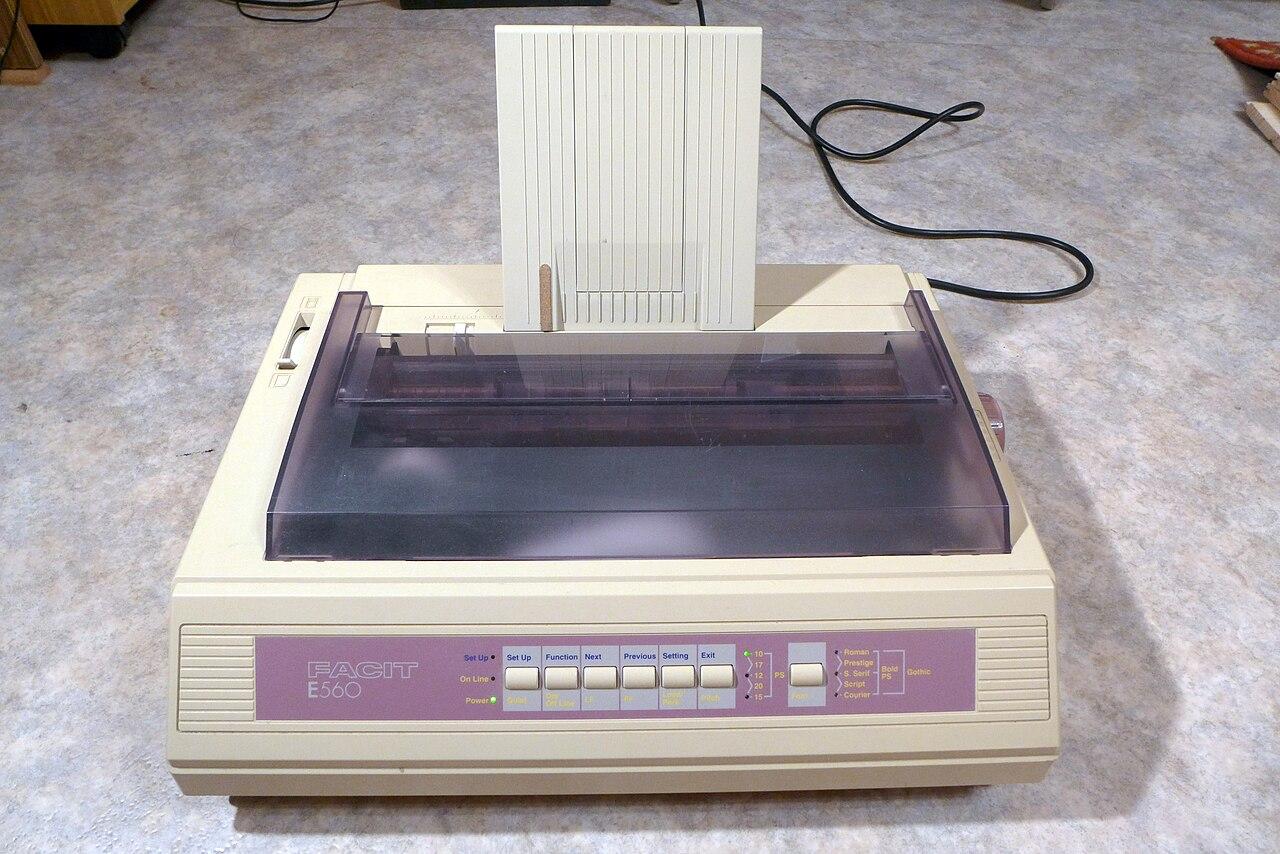
Many offices, warehouses, garages and shops in Qatar still use dot matrix printers. They are strong, cheap to run and they can print on multi-part forms with carbon copies. But they do not use toner or ink cartridges. They use a ribbon. Here is a simple guide.
How a dot matrix printer works
The print head has small pins. The pins hit an inked ribbon, and the ribbon presses the ink onto the paper. Because the pins really hit the paper, the printer can print through several layers at once. This is why it is still popular for invoices, delivery notes and NCR forms with two or three copies.
Common printer models in Qatar offices
- Epson LQ series such as the LQ-300, LQ-350, LQ-590 and LQ-690. These are 24-pin printers.
- Epson LX series such as the LX-300 and LX-350. These are 9-pin printers.
- OKI Microline printers, for example the 182 and 390 models.
Each model family uses its own ribbon cartridge. A ribbon for one model will usually not fit another, even from the same brand.
How to find the right ribbon
- Look at the printer model on the front or top of the printer, for example LQ-690 or LX-350.
- Open the cover and check the old ribbon cartridge. The model or part number is often printed on it.
- Match that number when you buy. If you are not sure, send us a photo of the printer label and the old ribbon on WhatsApp.
Ribbons we keep
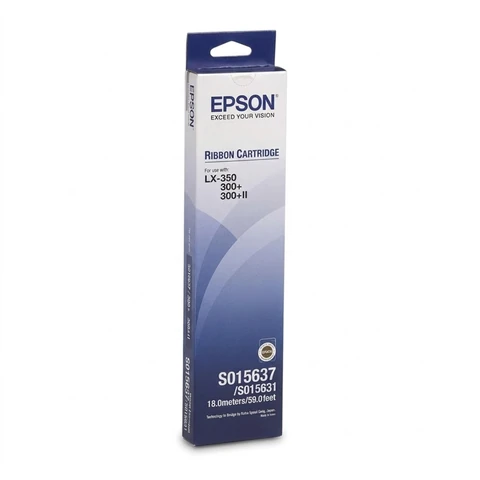
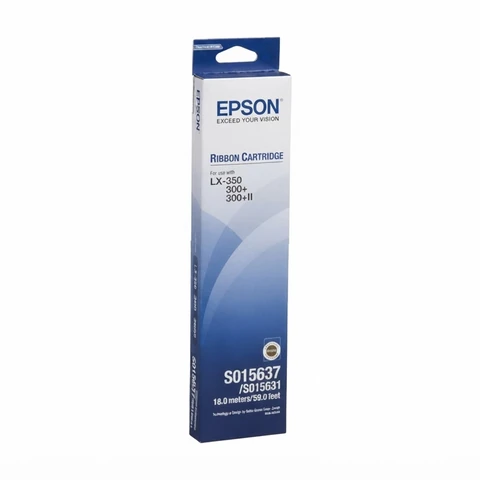
- Epson ribbon cartridge LQ-350 / LQ-300
- Epson ribbon cartridge LQ-590
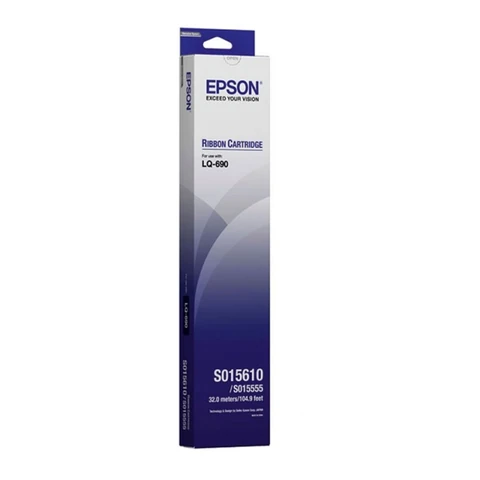
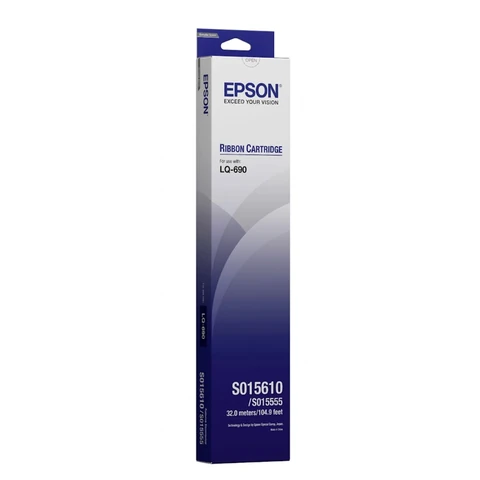
- Epson ribbon LQ-690
- Epson ribbon LX-300 / 350
- Ribbon for OKI 182 / 390
See all of them under printer ribbons.
When should you change the ribbon?
- The print is grey or very light, and the carbon copies are hard to read.
- Some letters print darker than others.
- The ribbon looks shiny, torn or has loose threads.
Do not wait until the ribbon tears. A torn ribbon can catch on the print head and cause damage or paper jams. Keep one spare ribbon in the drawer so invoices never stop.
How to change it
- Switch off the printer and open the cover.
- Move the print head gently to the middle.
- Take out the old cartridge.
- Turn the knob on the new cartridge to tighten the ribbon, then fit it so the ribbon sits between the print head and the paper guide.
- Turn the knob again until it moves smoothly, close the cover and print a test page.
Always follow the steps in your printer manual, as models can differ.
Tips to get clear prints
- Use good continuous paper or NCR forms. See our guide to NCR invoice and receipt books.
- Check the paper thickness lever when you print many copies.
- Store spare ribbons in their sealed packs, away from heat. Read how to store cartridges in Qatar heat.
How to order
Order from our toner, ink and ribbon page, or send your printer model on WhatsApp. Raifa Centre is in Doha with branches in Barwa Village and Matar Qadeem. We deliver across Qatar and accept cash on delivery.
Cover photo: Facit E560 dot matrix printer by Corvair, CC BY-SA 4.0, via Wikimedia Commons.
Shop what this guide talks about
Live from our shop in Doha. Prices are the same as on the product pages.
Epson ribbons
More guides
Printer Not Printing? 8 Things to Check First
Your printer shows offline or simply will not print? Try these 8 easy checks before you call for repair. Most printer problems in an office have a simple cause.
Canon Toner Numbers Explained: 725, 728, 737 and More
Canon toner names can be confusing. Here is how to read numbers like 725, 728, 737, 067 and C-EXV, and how to find the right toner for your Canon printer in Qatar.
How to save toner and ink: 10 easy tips for your office
Toner and ink running out too fast? Ten simple tips to make every cartridge last longer in your office, school or home, from print settings to storage.