
.jpg)
.jpg)

How to store toner and ink cartridges in Qatar heat
Heat, sun and humidity can spoil toner and ink before you use it. Simple tips to store spare cartridges and bottles safely in offices and homes in Qatar.
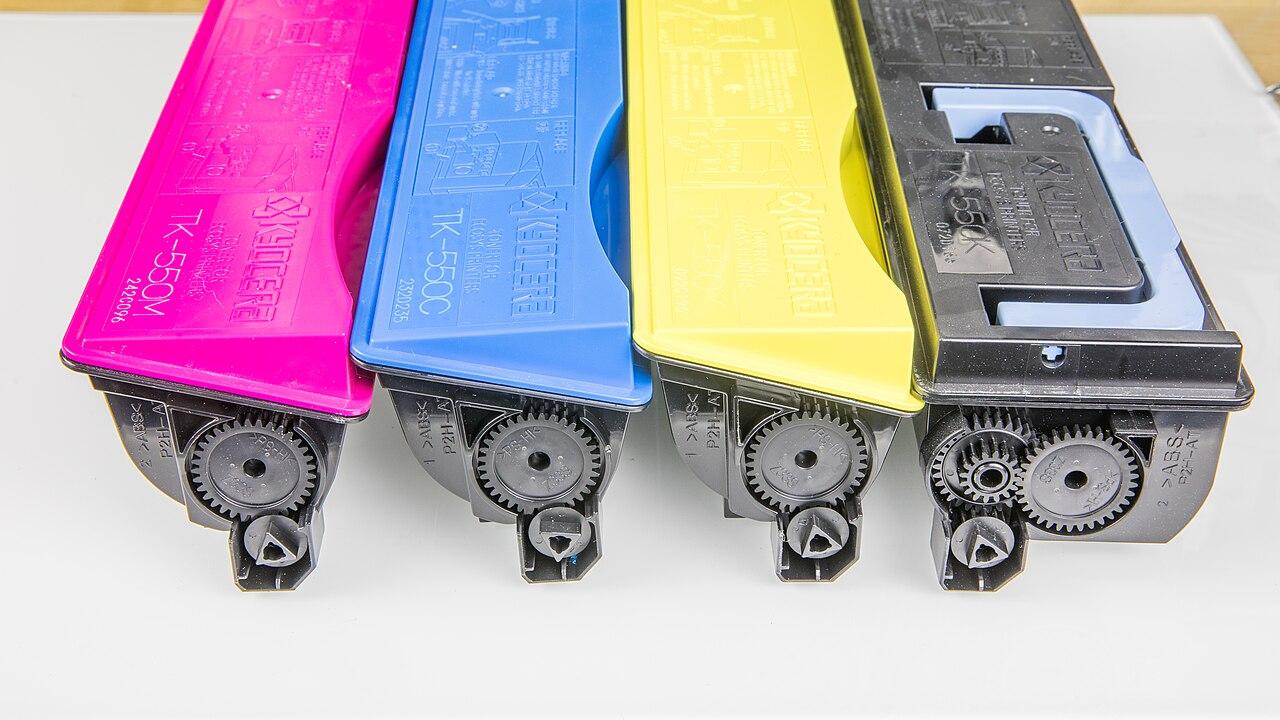
Many offices in Qatar keep spare toner so they never run out on a busy day. That is smart. But a spare cartridge left in a hot car or a sunny store room can give bad prints when you finally use it. Here is how to keep your toner and ink in good shape.
Why heat and humidity matter
Toner is a very fine powder. Too much heat can make it clump, and clumped toner can give light, patchy or dirty prints. Ink is a liquid. Heat can dry it out or thicken it, which can block the print head. Damp air is also a problem, because toner powder can take in moisture.
In Qatar, the main risk is not the office itself, which usually has AC. The risk is the places in between: the car, the store room without AC and the window sill.
8 simple storage rules
- Never leave cartridges in the car. A parked car in Qatar gets very hot inside, even in winter afternoons. Take them inside straight away.
- Keep them in the sealed box. Do not open the bag or pull the tape until you are ready to install.
- Store them in a cool, dry room with AC, away from direct sunlight and windows.
- Keep away from heat sources like the back of the photocopier, servers and the kitchen.
- Store them the way the box shows. Many toner boxes show which side should face up. Follow it.
- Let a cold cartridge rest. If a box comes from a cold delivery van or a very cold room, leave it at room temperature for a while before opening, so moisture does not form on it.
- Use the oldest first. Write the date you bought it on the box and use older stock before new stock.
- Do not overbuy. Keep a sensible spare, like one for each printer, rather than a big pile that sits for years.
Before you install a new toner
Most laser toner instructions say to gently rock or shake the cartridge from side to side a few times. This spreads the powder evenly. Then remove the seal or tape exactly as the box shows. Read our fixes for faded or streaky prints if your first pages look light.
Ink bottles and ink tanks
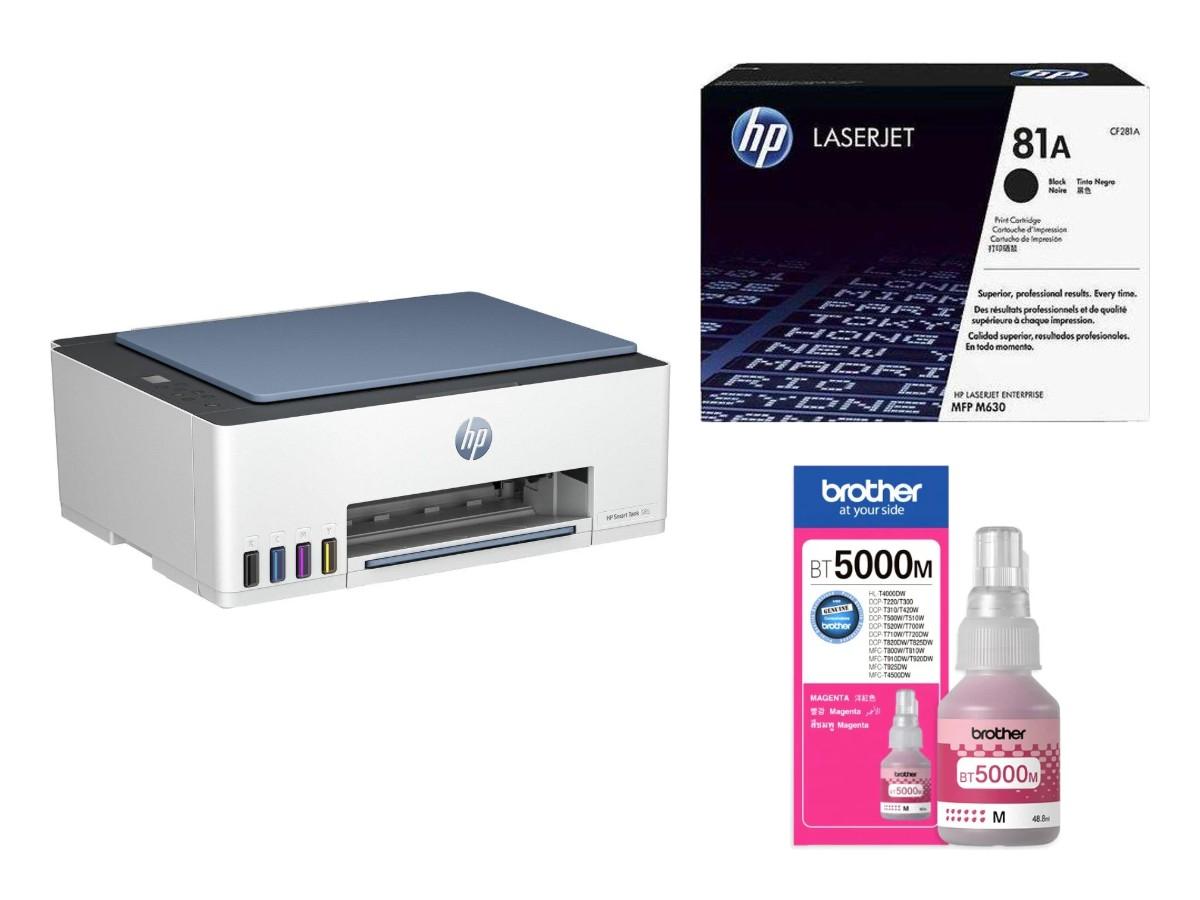
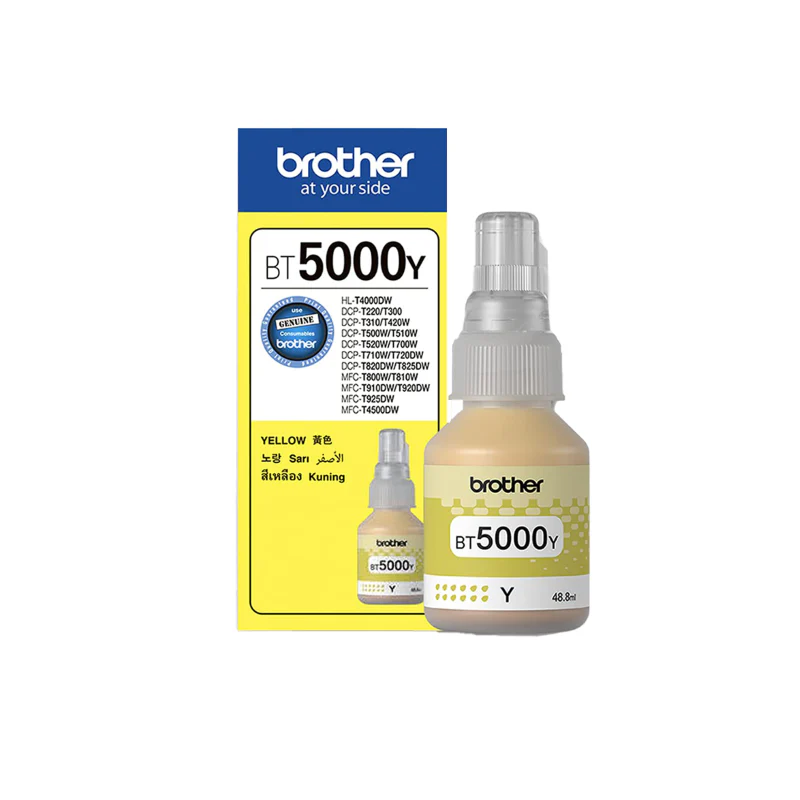
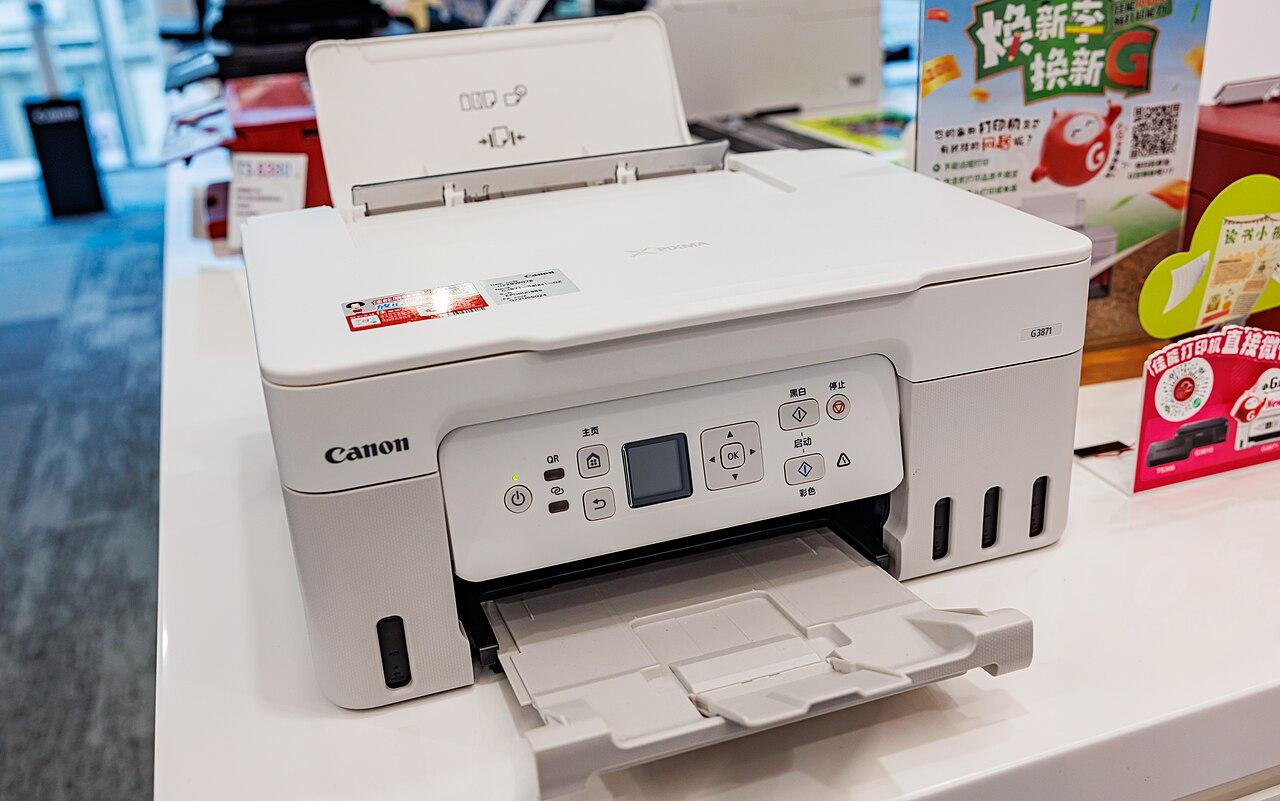
For ink tank printers, keep bottles closed tightly and standing upright. Use the printer at least once a week, because long breaks can let ink dry in the head. Read our guide on how to refill an ink tank printer.
Buying the right one
The best way to avoid waste is to buy the right cartridge the first time. Always match the number on your old cartridge. These guides help:
Order toner and ink in Doha
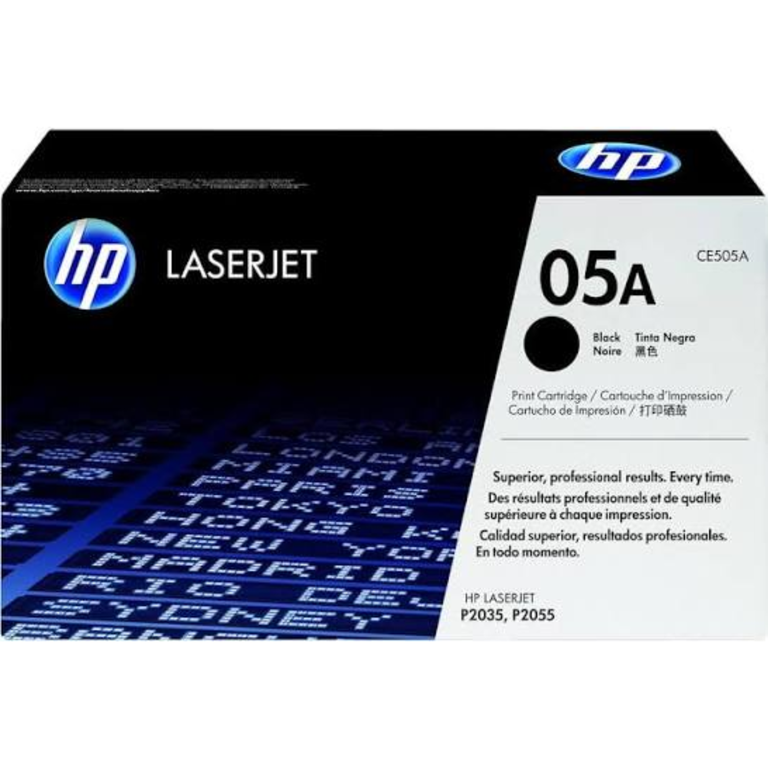
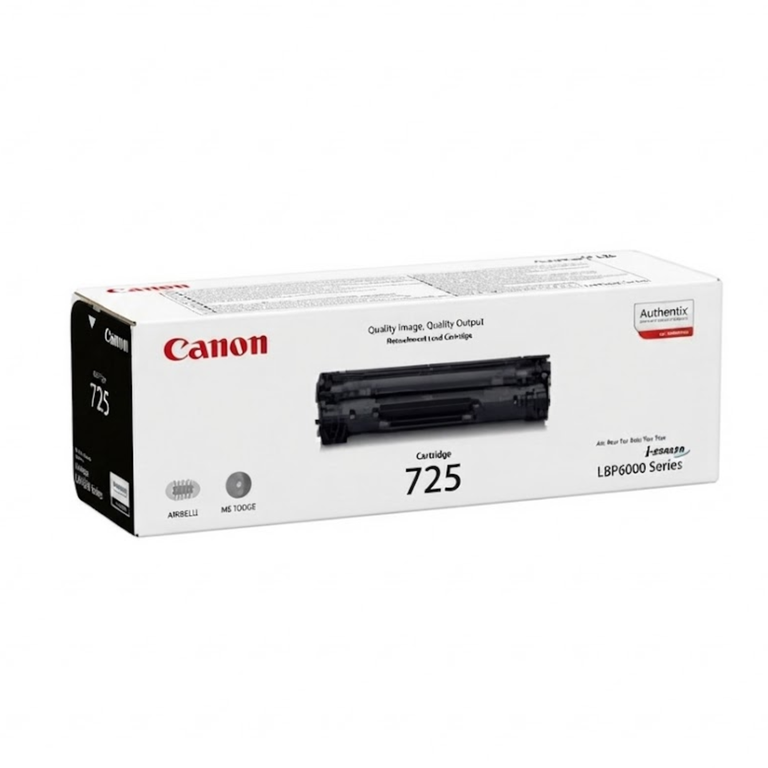
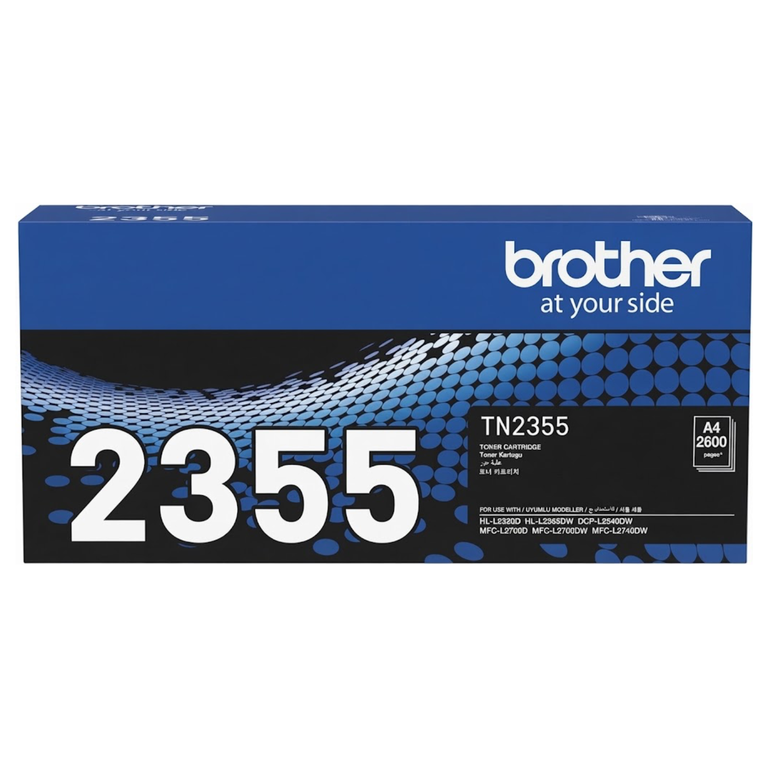
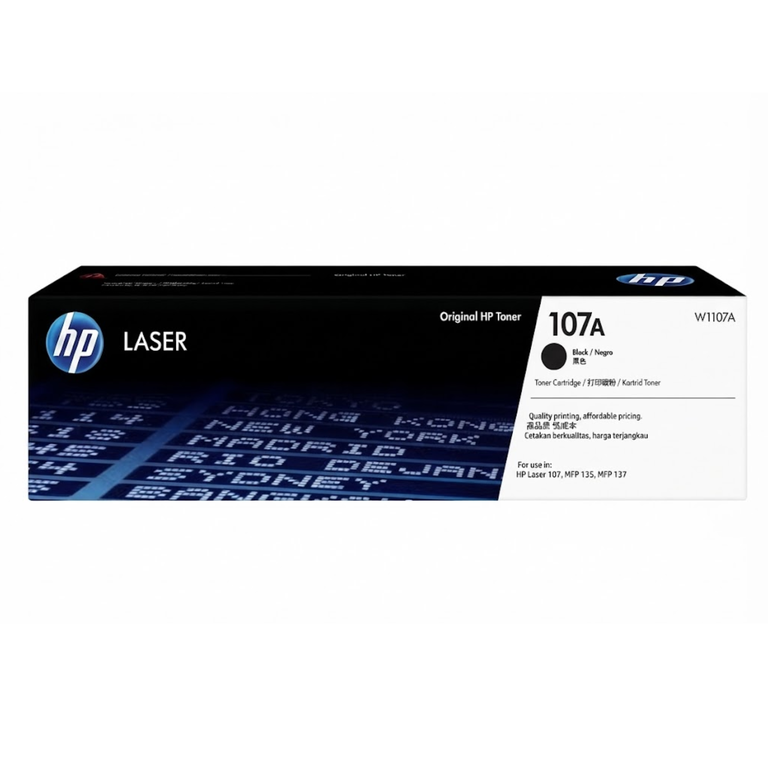
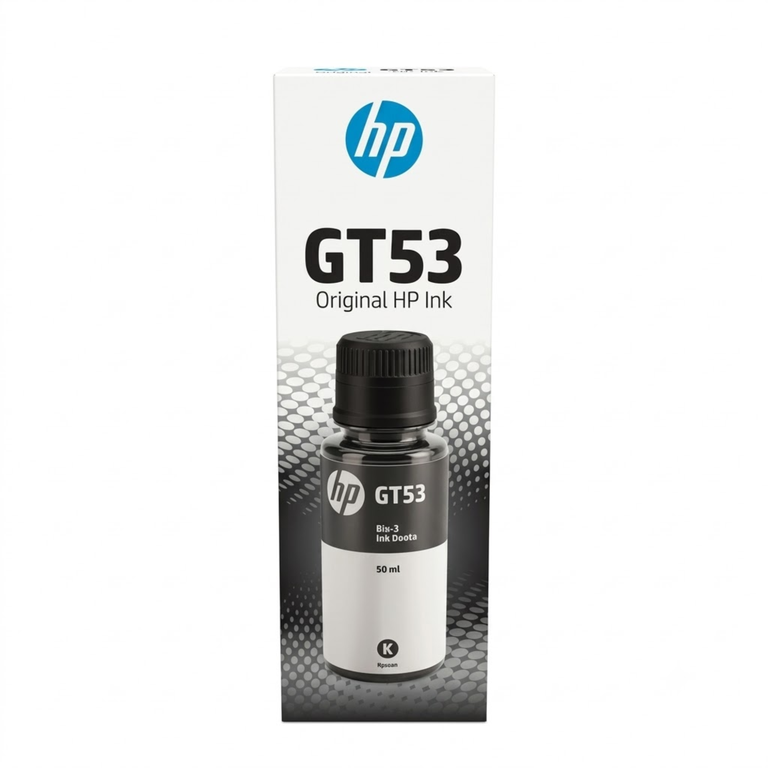
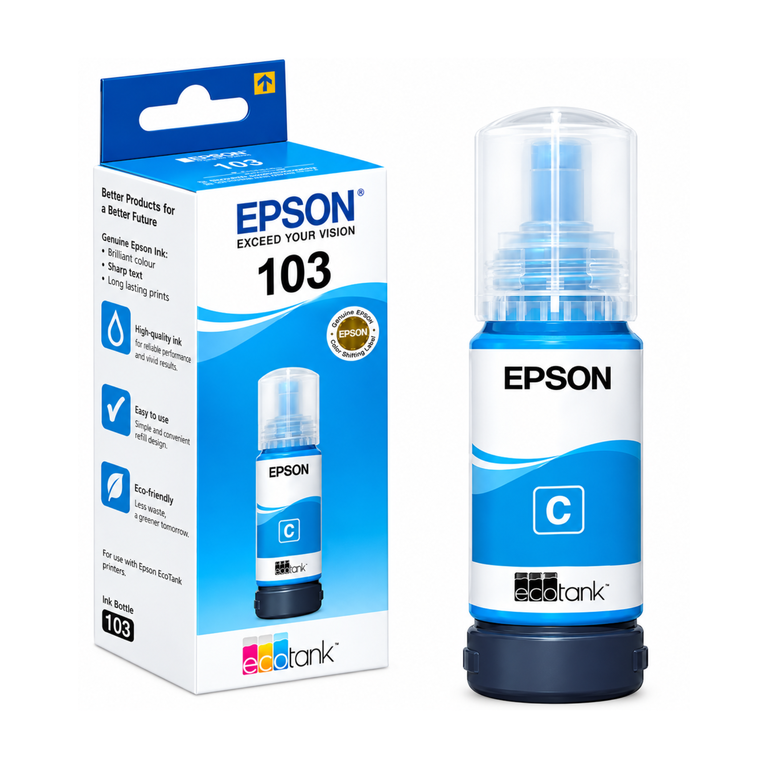
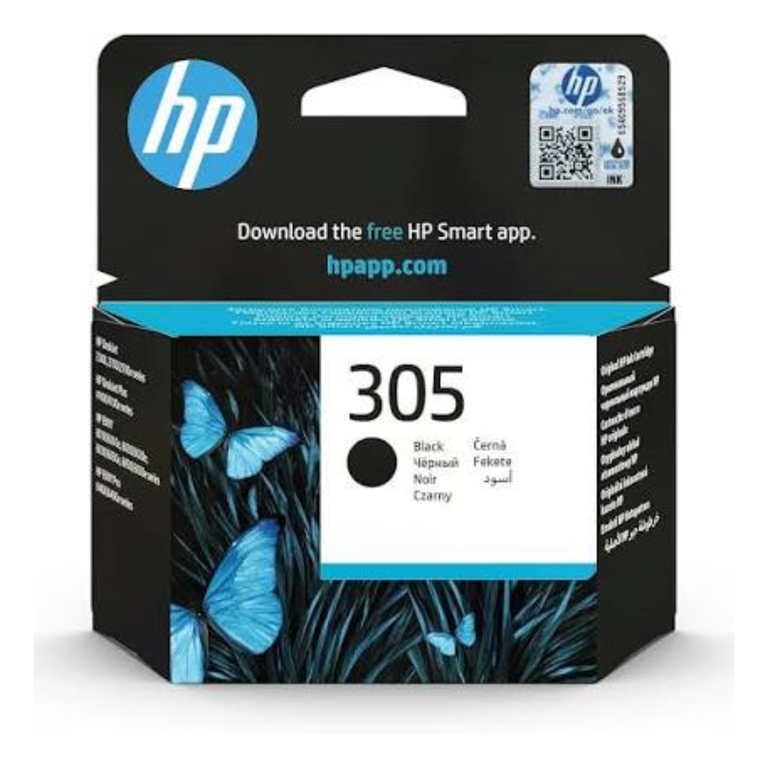
Browse HP toners, Canon toners, Brother toners, ink cartridges and Epson ink bottles.
Not sure which one? Send a photo of your old cartridge on WhatsApp. Raifa Centre is in Doha with branches in Barwa Village and Matar Qadeem, delivers across Qatar and accepts cash on delivery.
Cover photo: Kyocera FS-C5200DN - Toner cartridges TK-550 in black, yellow, cyan, and magenta-3574 by Raimond Spekking, CC BY-SA 4.0, via Wikimedia Commons.
Shop what this guide talks about
Live from our shop in Doha. Prices are the same as on the product pages.
Toners
Ink cartridges
See all 184 in the shop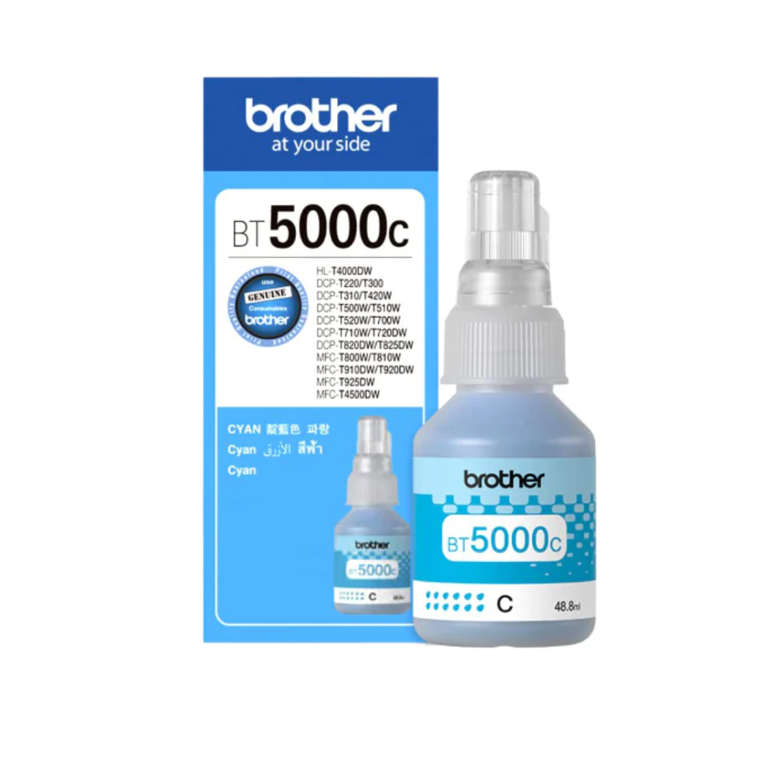
.png)
.png)
More guides
Printer paper jam? How to clear it and stop it happening
Paper keeps jamming in your printer? Learn how to clear a paper jam safely and the simple habits that stop jams in offices and homes in Qatar.
Best photo paper for home printers: glossy, matte and GSM
Printing photos at home or in the office in Qatar? Learn the difference between glossy and matte photo paper, what GSM means, and settings for sharp, bright prints.
How to refill an ink tank printer without mess or clogs
Simple steps to refill an Epson EcoTank, Canon G series or Brother ink tank printer at home or in the office, plus tips to stop clogged heads and faded colours.