
.jpg)
.jpg)


How to save toner and ink: 10 easy tips for your office
Toner and ink running out too fast? Ten simple tips to make every cartridge last longer in your office, school or home, from print settings to storage.
Toner and ink are one of the biggest running costs of any printer. The good news is that small changes in how your team prints can make every cartridge last longer. Here are simple tips that work for offices, schools and homes in Qatar.
Print less
- Use Print Preview. Check the pages before you press Print. It stops blank pages, wrong pages and long email chains from being printed.
- Print only the pages you need. In the print window, type the page numbers, for example 1-3.
- Print on both sides. Many printers have a double-sided (duplex) setting. It does not save toner, but it halves the paper you use.
- Share files on screen in meetings instead of printing a copy for each person.
Use smarter settings
- Turn on draft or toner save mode for internal copies. Many printers have it in the print settings. Keep normal mode for letters to clients.
- Print in black only when colour is not needed. On most colour printers, choosing Grayscale or Black and White saves your colour toner or ink.
- Choose lighter fonts. Bold, heavy fonts and large dark headings use more toner. Simple fonts at a normal size use less.
- Avoid dark backgrounds. A slide with a black background uses a lot of toner. Change to a white background before printing.
Look after the cartridge
- Do not change it too early. When the toner low message appears, many laser cartridges can still print for a while. Take the cartridge out, rock it gently from side to side to spread the toner, and keep printing until the print starts to fade.
- Store spares properly. Keep new cartridges sealed in their box, in a cool and dark place. Heat is bad for toner and ink. Read how to store toner in Qatar heat.
Choose the right printer and supplies
If your office prints a lot of black text, a laser printer usually costs less per page. If you print a lot of colour, an ink tank printer can be cheaper to run. Our guide laser or ink tank printer explains the difference.
The choice between original and compatible toner also affects your cost. See original or compatible toner. And if prints look faded early, the toner may not be the problem: try our fixes for faded prints first.
Make it an office habit
Put a small note next to the printer: Preview first, print both sides, black only. Set double-sided and black and white as the default on shared computers. Keep one spare toner for each printer so work never stops, but do not overstock.
How to order toner and ink
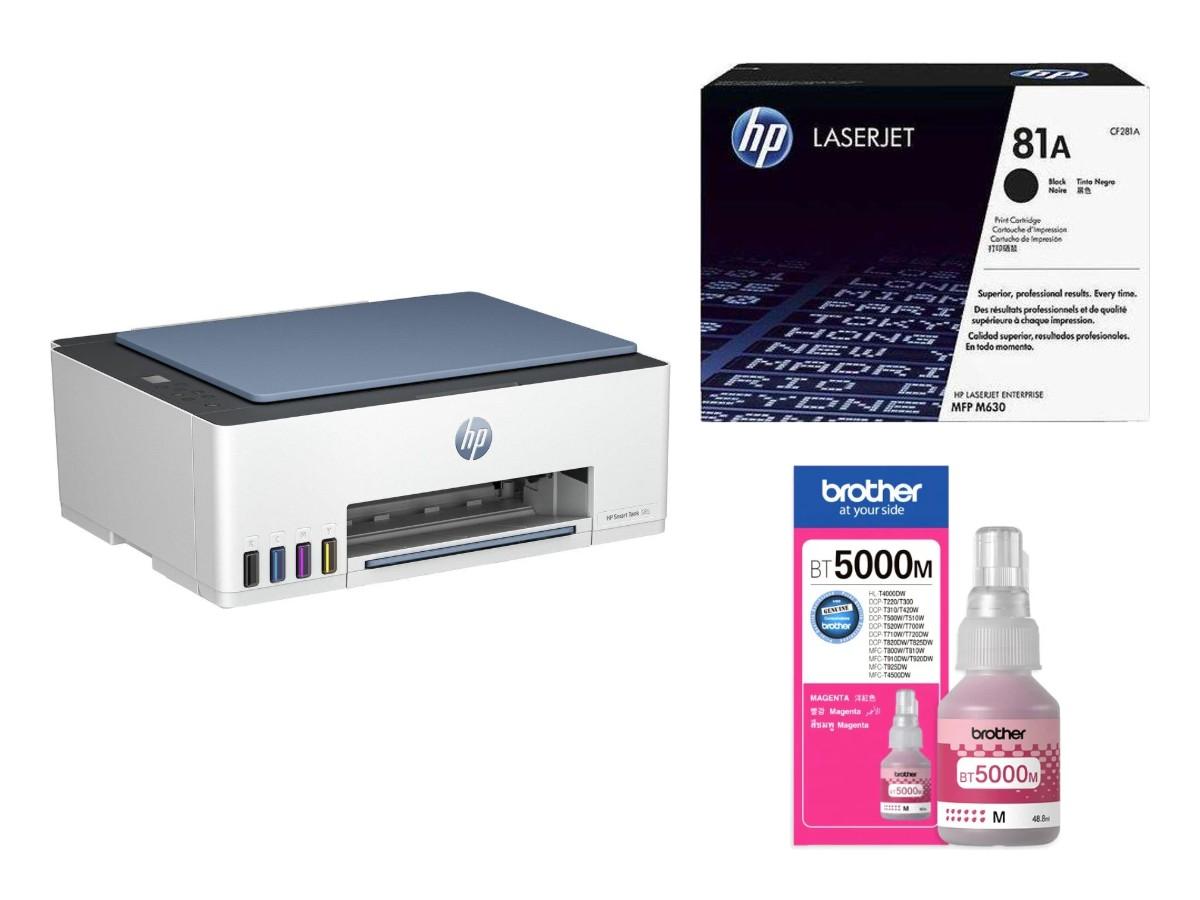
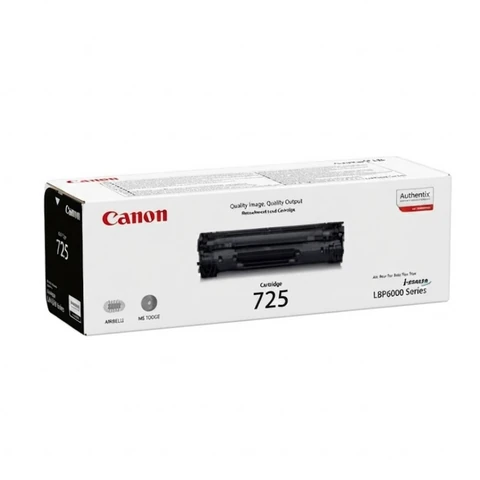
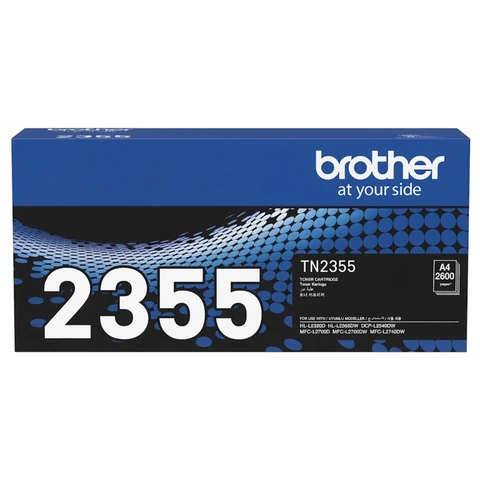
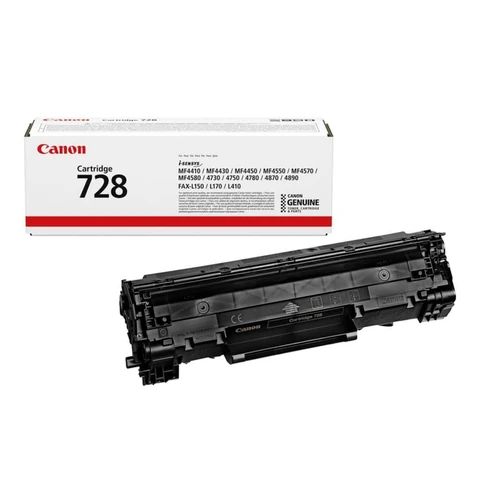
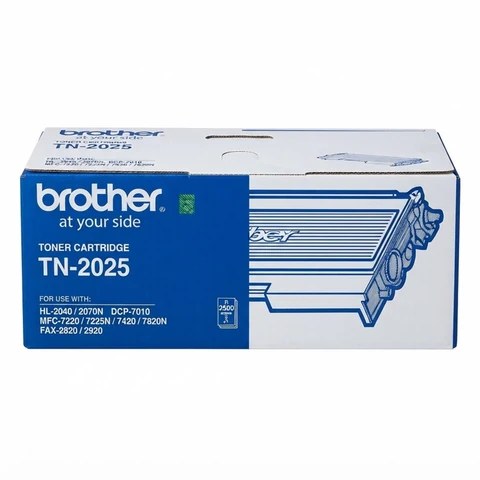
Find your cartridge by its number: search HP toner, Canon toner, Brother toner or ink cartridges, or browse all printers and toners. Always match the number on your old cartridge. If you are not sure, send a photo of it on WhatsApp.
Raifa Centre is in Doha, with branches in Barwa Village and Matar Qadeem. We deliver across Qatar and accept cash on delivery.
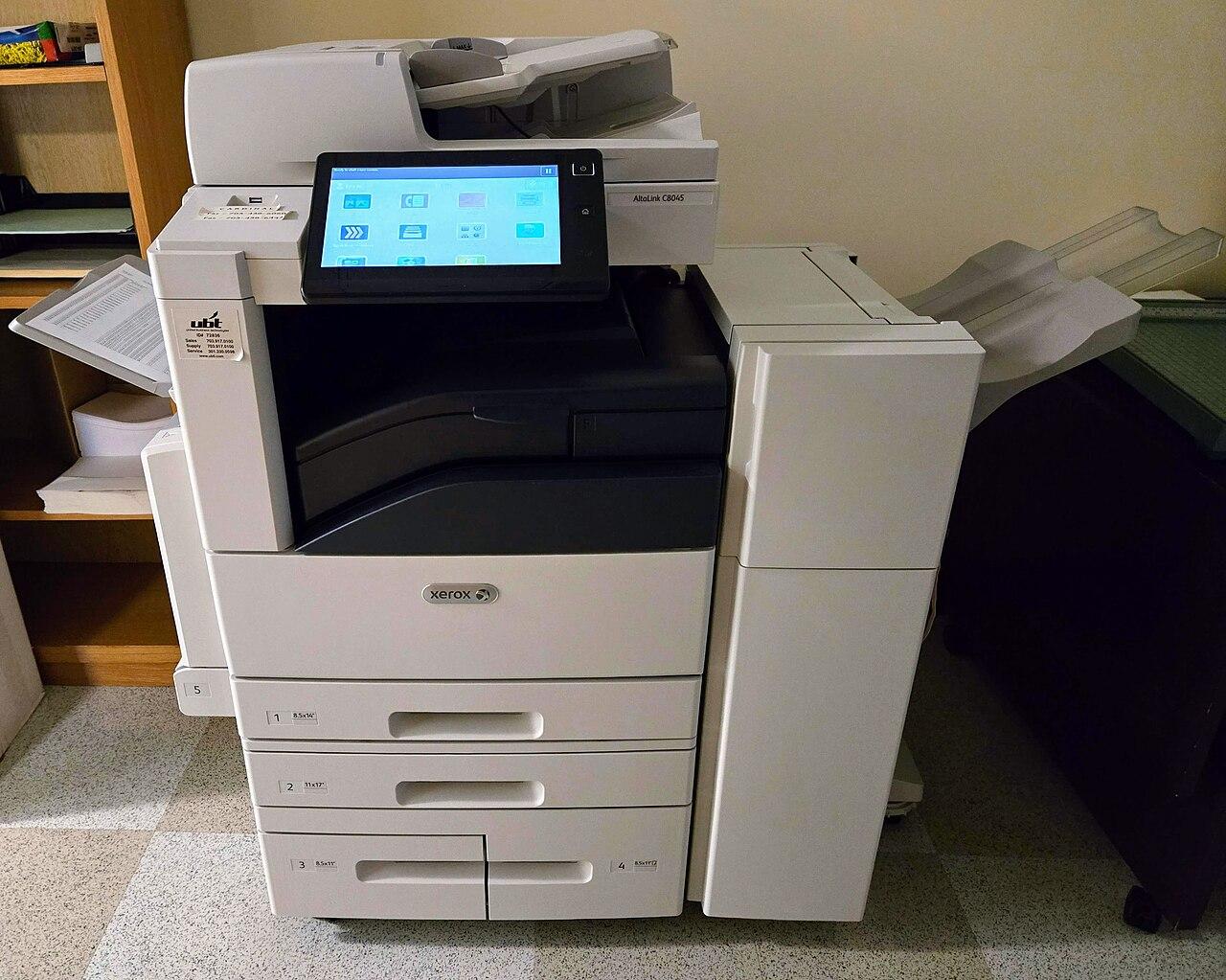
Cover photo: Xerox AltaLink C8045 photocopier by Baron Maddock, CC BY 4.0, via Wikimedia Commons.
Shop what this guide talks about
Live from our shop in Doha. Prices are the same as on the product pages.
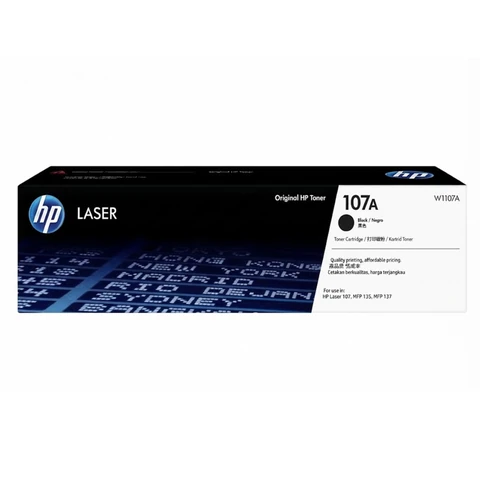
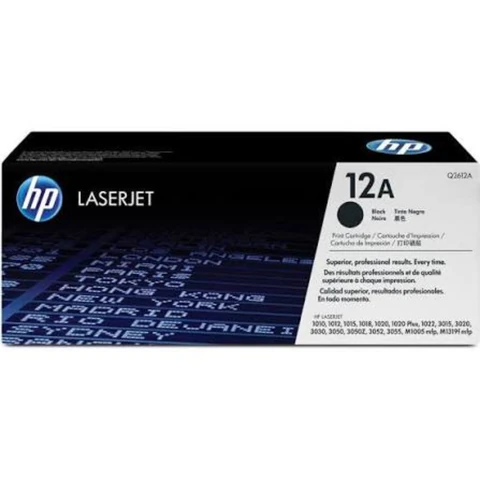
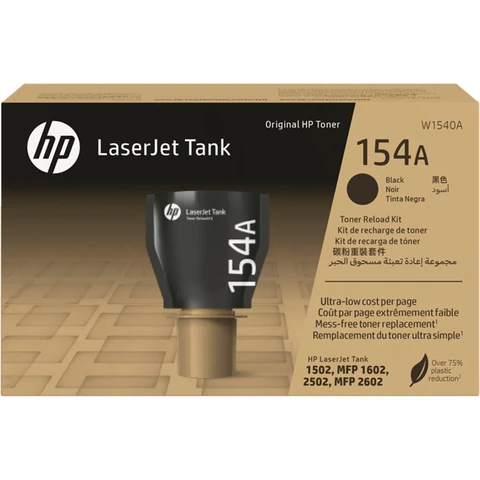
HP toners
See all 145 in the shop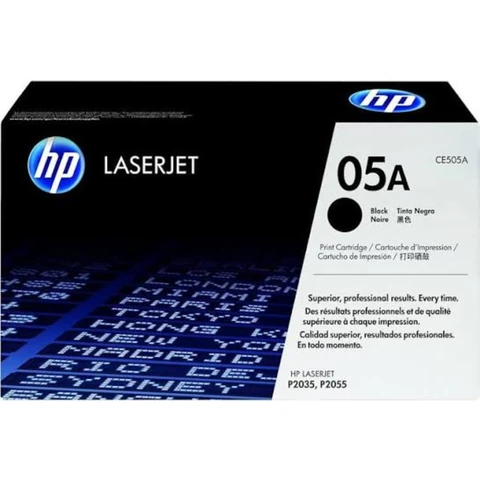
Canon and Brother toners
Ink cartridges
See all 72 in the shop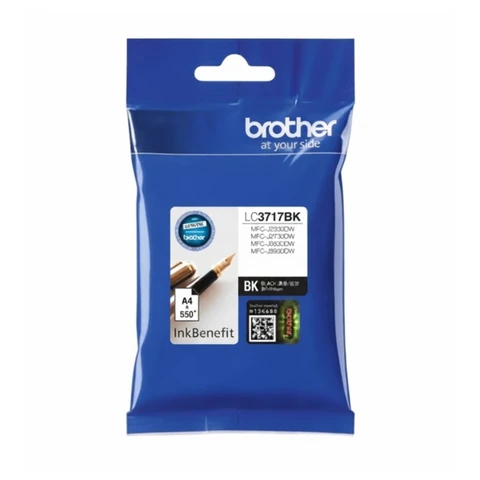
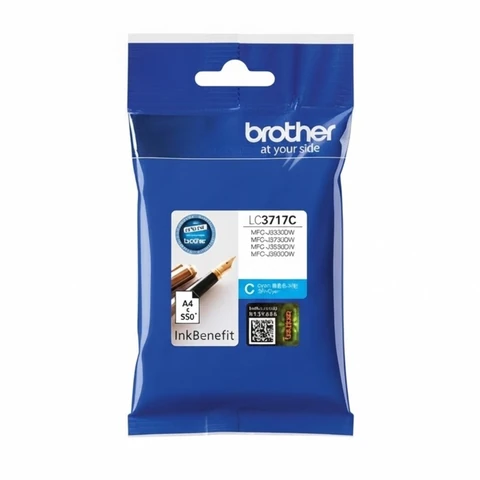
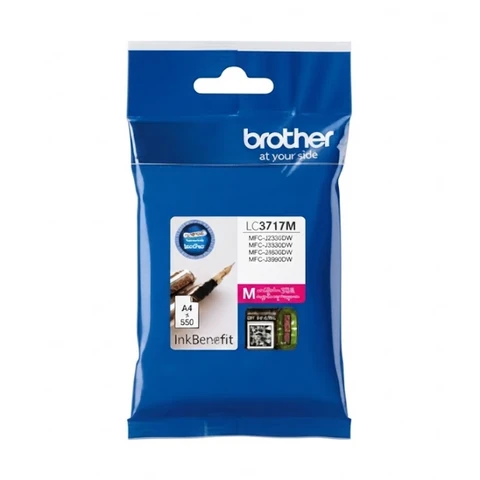
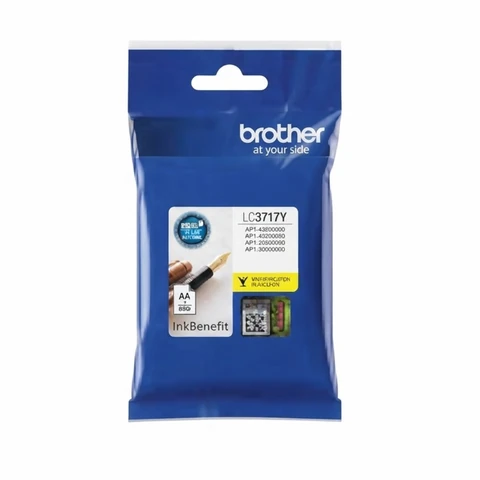

More guides
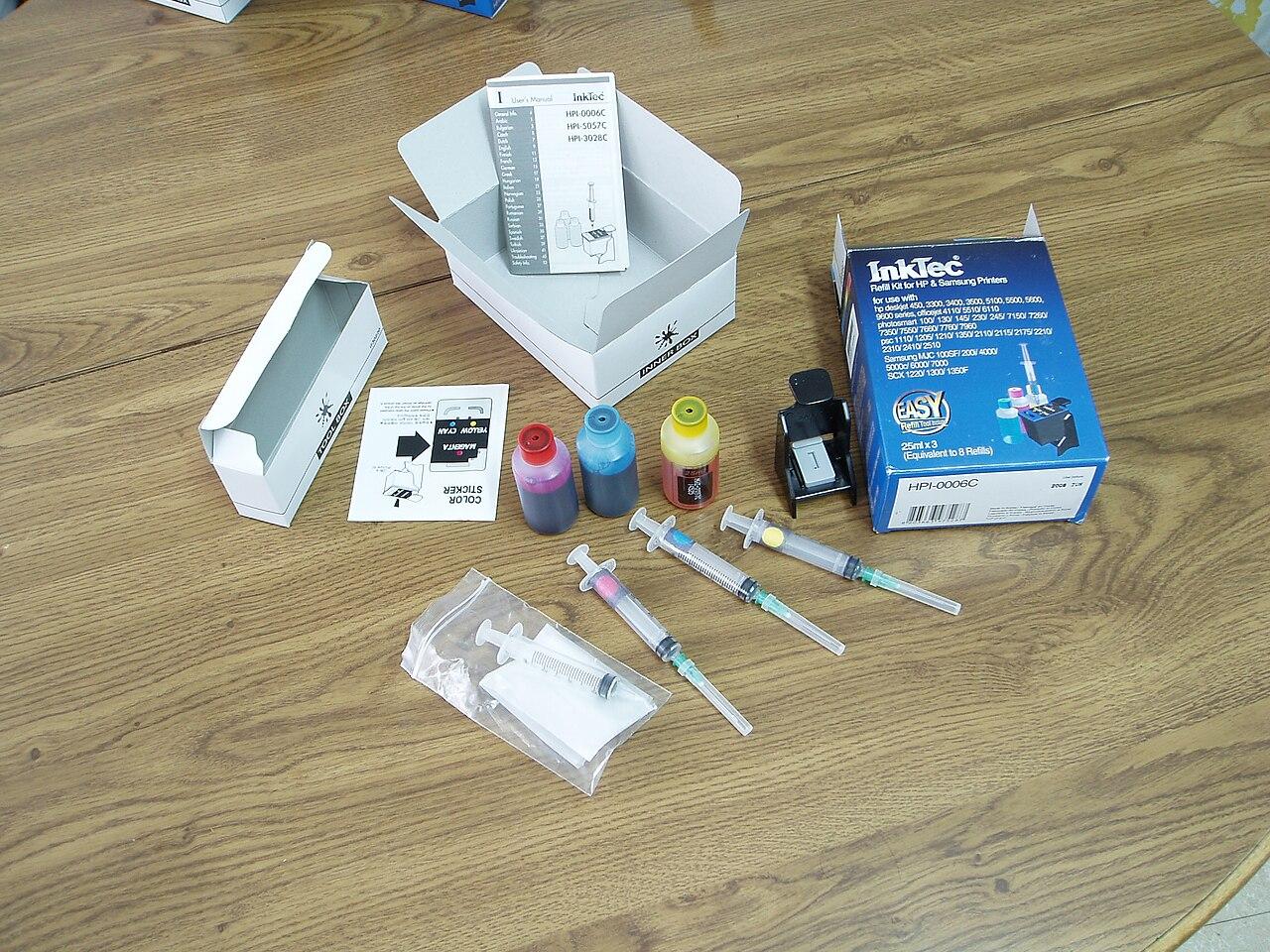
Epson ink bottles 003, 103 and 673: which one do I need?
Epson EcoTank ink running low? Learn the difference between Epson 003, 103 and 673 ink bottles, how to find your number, and tips to keep your printer healthy.
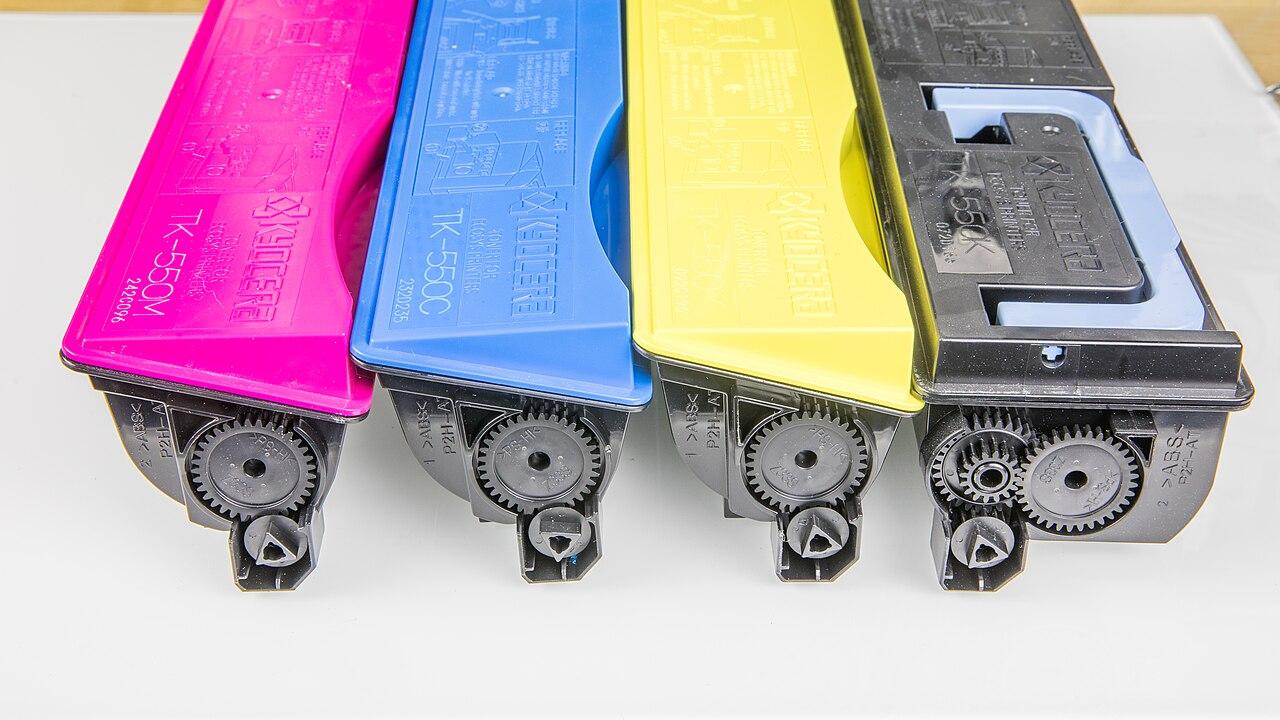
How to store toner and ink cartridges in Qatar heat
Heat, sun and humidity can spoil toner and ink before you use it. Simple tips to store spare cartridges and bottles safely in offices and homes in Qatar.
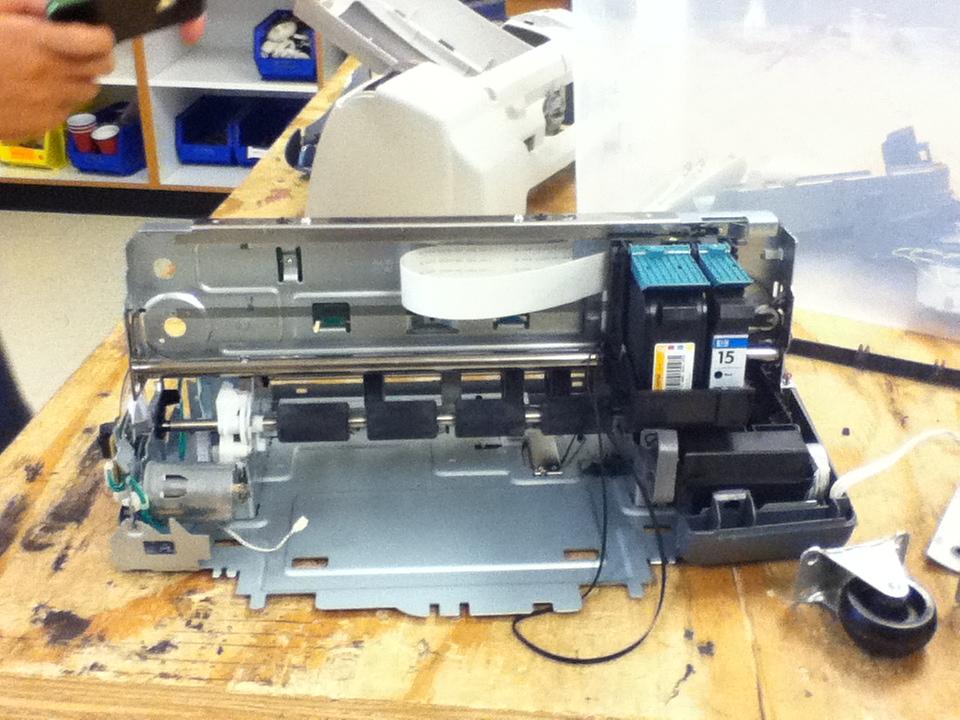
Printer paper jam? How to clear it and stop it happening
Paper keeps jamming in your printer? Learn how to clear a paper jam safely and the simple habits that stop jams in offices and homes in Qatar.