
.jpg)
.jpg)

Epson ink bottles 003, 103 and 673: which one do I need?
Epson EcoTank ink running low? Learn the difference between Epson 003, 103 and 673 ink bottles, how to find your number, and tips to keep your printer healthy.
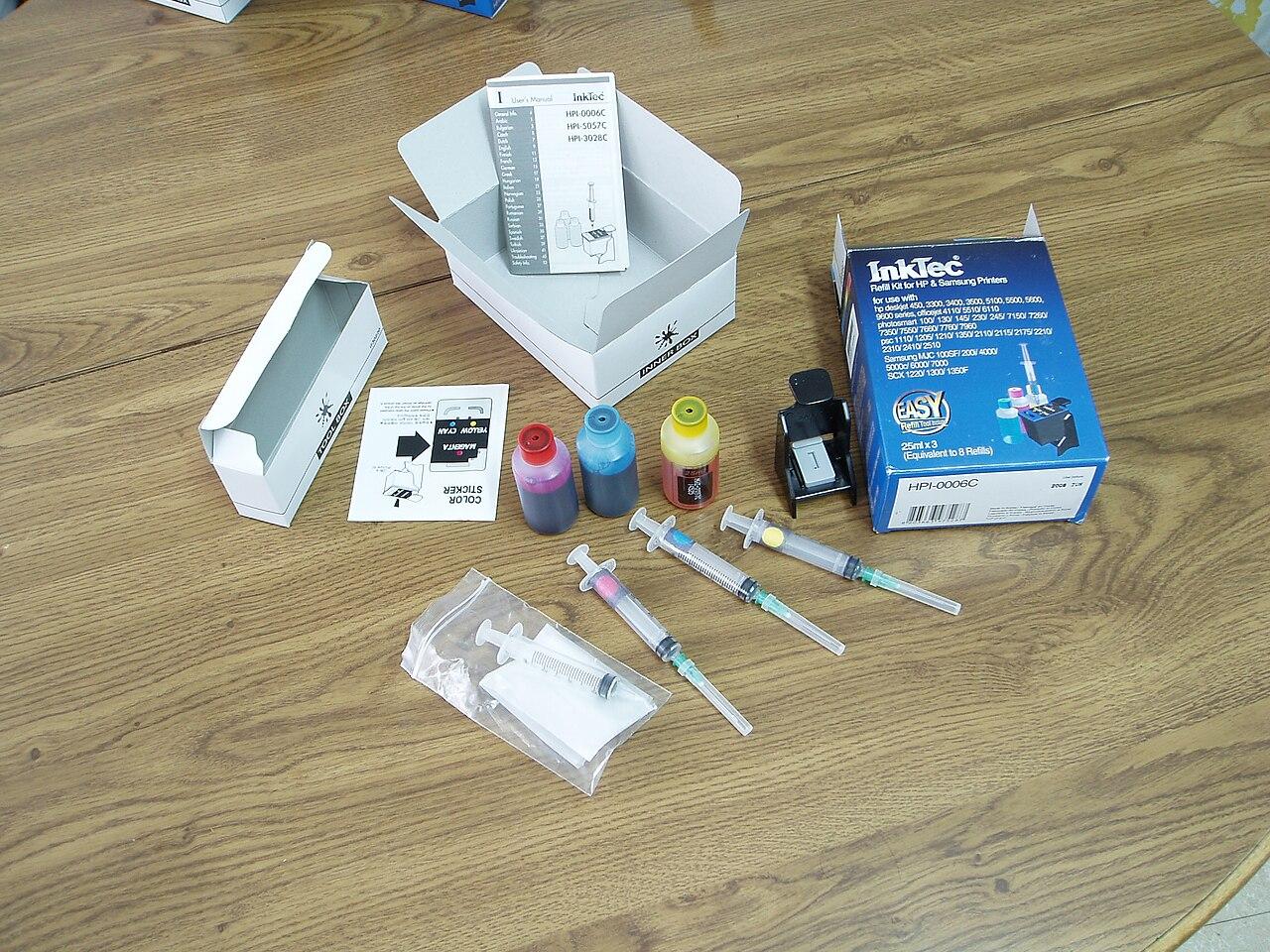
Epson EcoTank printers are very popular in Qatar homes, schools and small offices because they are cheap to run. But when the ink gets low, many people are not sure which bottle to buy. Epson bottles carry numbers like 003, 103 and 673, and the right number depends on your printer. Here is how to get it right the first time.
Why the number matters
Each EcoTank printer is made for one ink series. The bottles may look alike, but they are not the same product. The wrong bottle may not fit the tank properly, or may give poor results. The safe rule is simple: buy the same number as your old bottle.
How to find your ink number
- Look at your old bottle. The number is printed on the label, for example 103 or 003.
- Check the printer. Many EcoTank printers show the ink number near the ink tanks or under the tank cover.
- Check the box or manual that came with the printer.
- Ask us. Send a photo of your printer or old bottle on WhatsApp and we will help you match it.
Note: the same printer model can be sold with different ink numbers in different countries. If you bought your printer abroad, go by the number on the bottle, not only the model name.
Epson ink series in our shop
| Ink series | The series includes | Type of printer |
|---|---|---|
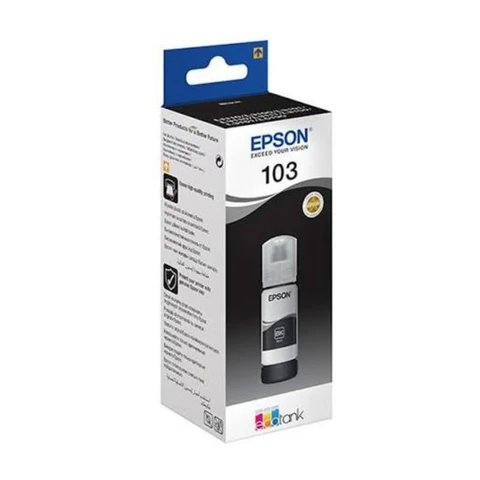
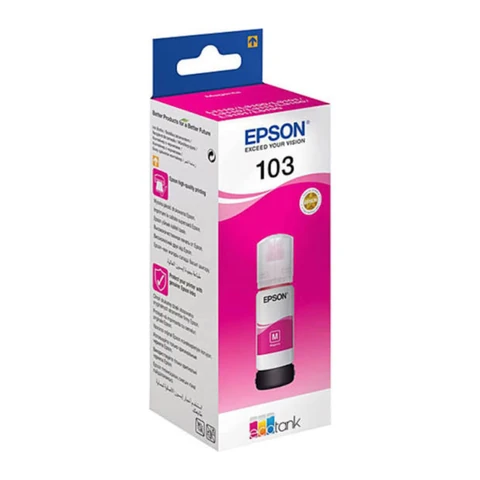
| Epson 103 | Black, cyan, magenta, yellow | Four-colour EcoTank printers |
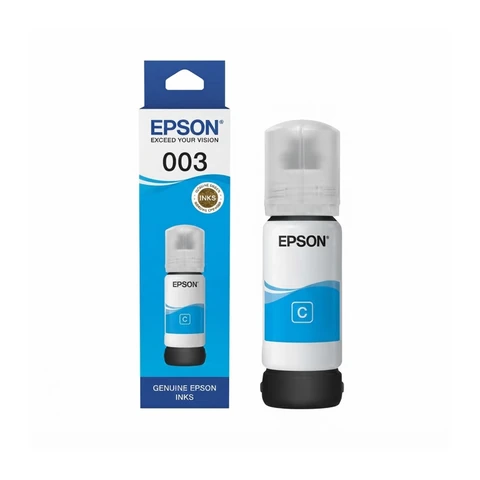
| Epson 003 | Black, cyan, magenta, yellow | Four-colour EcoTank printers |
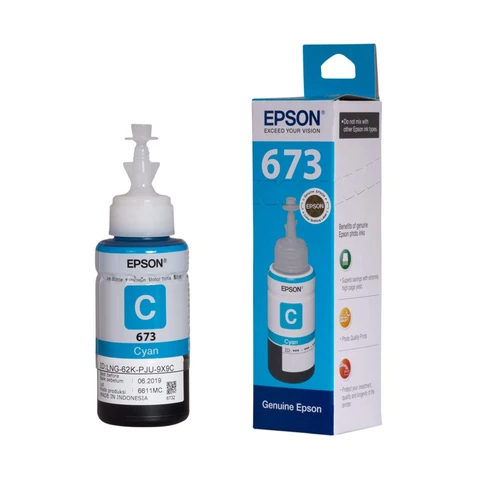
| Epson 673 | Six colours, including light cyan and light magenta | Six-colour photo EcoTank printers |
Remember: 003 and 103 both have four colours, but they are different series. Match the number, not the look of the box.
Using an HP Smart Tank instead?
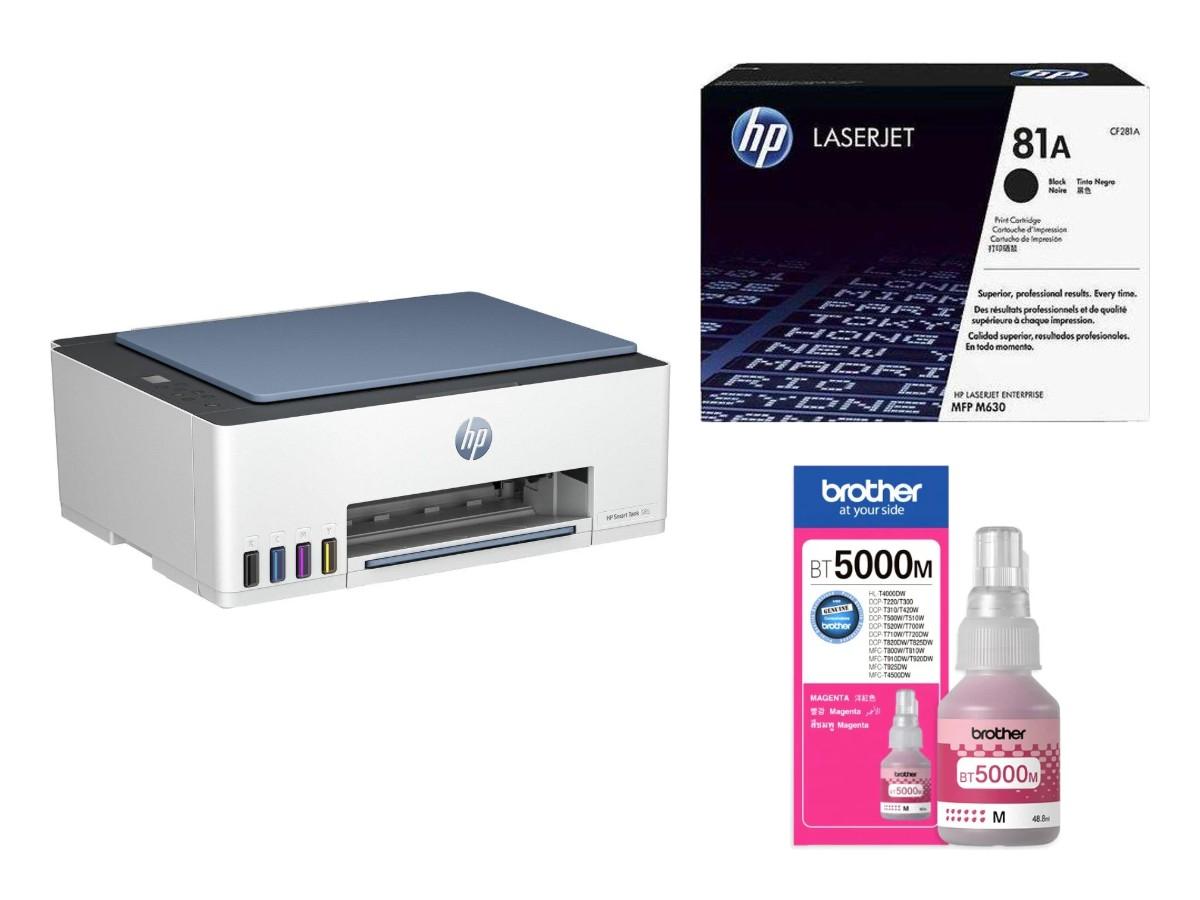
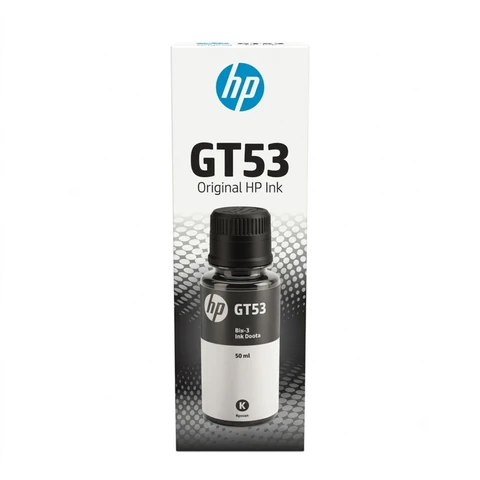
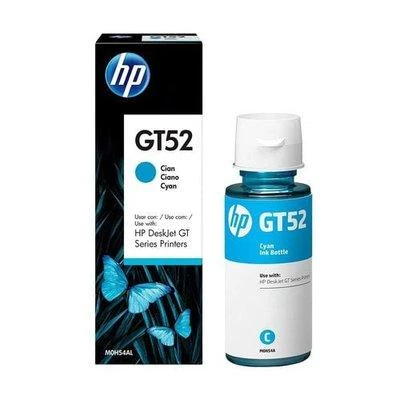
HP ink tank printers use their own bottles, such as GT53 black and GT52 colours. HP bottles do not go in Epson printers, and Epson bottles do not go in HP printers. We also stock HP ink bottles.
Tips to keep your EcoTank healthy
- Refill before the ink goes below the lower line on the tank.
- Fill one colour at a time and close each cap before opening the next, so colours do not mix.
- Print at least one colour page every week so the print head does not dry out, especially in the hot months.
- Store spare bottles upright, closed and away from heat. Our guide on storing ink in Qatar heat explains more.
For a step-by-step refill, read how to refill an ink tank printer. Still choosing a printer? See laser or ink tank printer.
How to order Epson ink
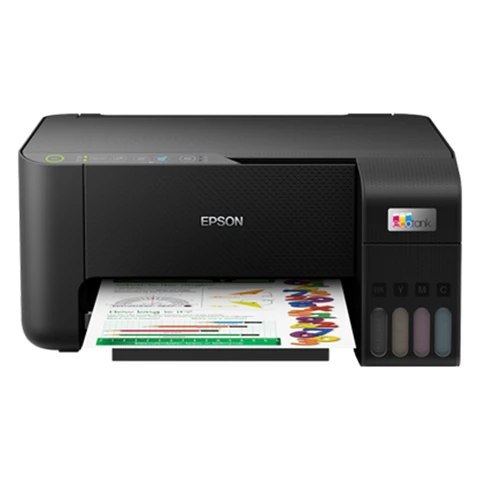
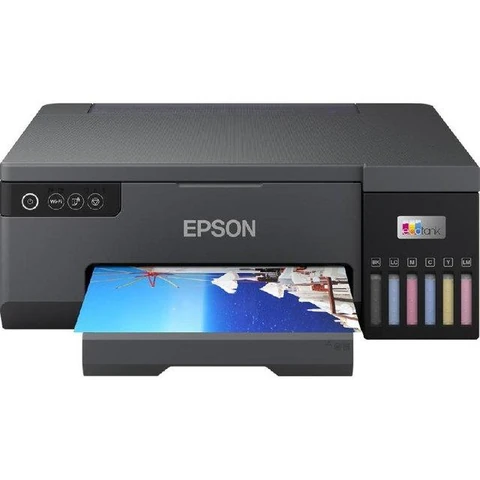
Shop Epson 103, Epson 003 and Epson 673 ink, or see all Epson ink bottles. Need a new printer? See our Epson printers. If you want us to check your bottle number, send a photo on WhatsApp.
Raifa Centre is in Doha, with branches in Barwa Village and Matar Qadeem. We deliver across Qatar and accept cash on delivery.
Cover photo: Refill-Ink-Kit-Color by Daniel Díez Sanquirce, CC BY-SA 3.0, via Wikimedia Commons.
Shop what this guide talks about
Live from our shop in Doha. Prices are the same as on the product pages.
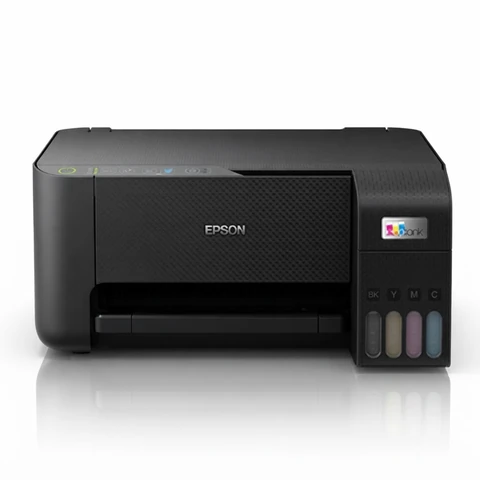
Epson ink bottles
HP ink bottles
More guides
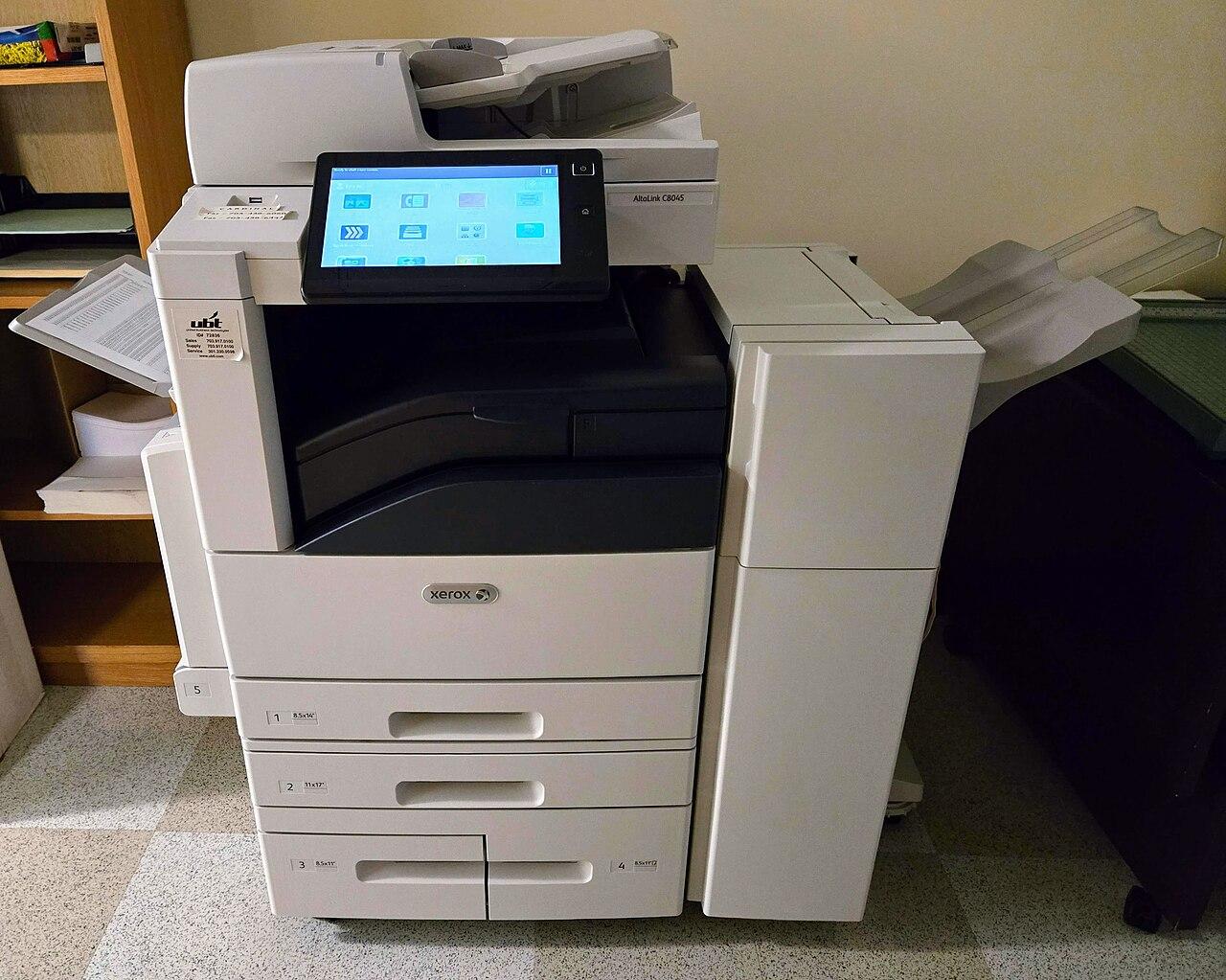
How to save toner and ink: 10 easy tips for your office
Toner and ink running out too fast? Ten simple tips to make every cartridge last longer in your office, school or home, from print settings to storage.
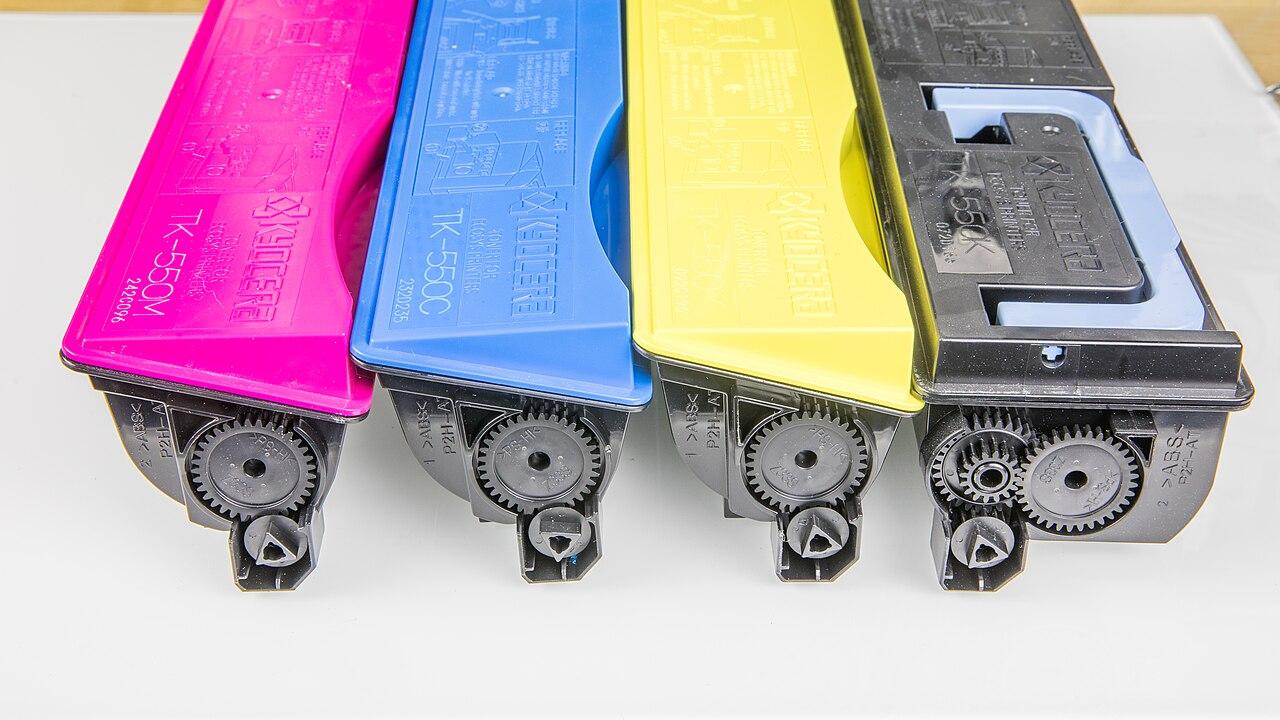
How to store toner and ink cartridges in Qatar heat
Heat, sun and humidity can spoil toner and ink before you use it. Simple tips to store spare cartridges and bottles safely in offices and homes in Qatar.
Printer paper jam? How to clear it and stop it happening
Paper keeps jamming in your printer? Learn how to clear a paper jam safely and the simple habits that stop jams in offices and homes in Qatar.